Clear a multi-file selection
Clear every selected file and folder from the Files bulk bar, understand automatic selection resets, and avoid carrying stale items into an action.
Last reviewed
The browser Files page keeps selected file IDs and folder IDs in client memory. Clear drops both sets without calling the API, so no stored object or server job changes.

Before you start
- Use the browser Files page; the described bulk bar is a web control.
- Check the badge, such as 3 selected, before clearing so you can verify the complete reset.
- If a confirmation dialog for Delete or another operation is already open, cancel that dialog first. Clearing selection does not reverse a request that has already started.
Steps
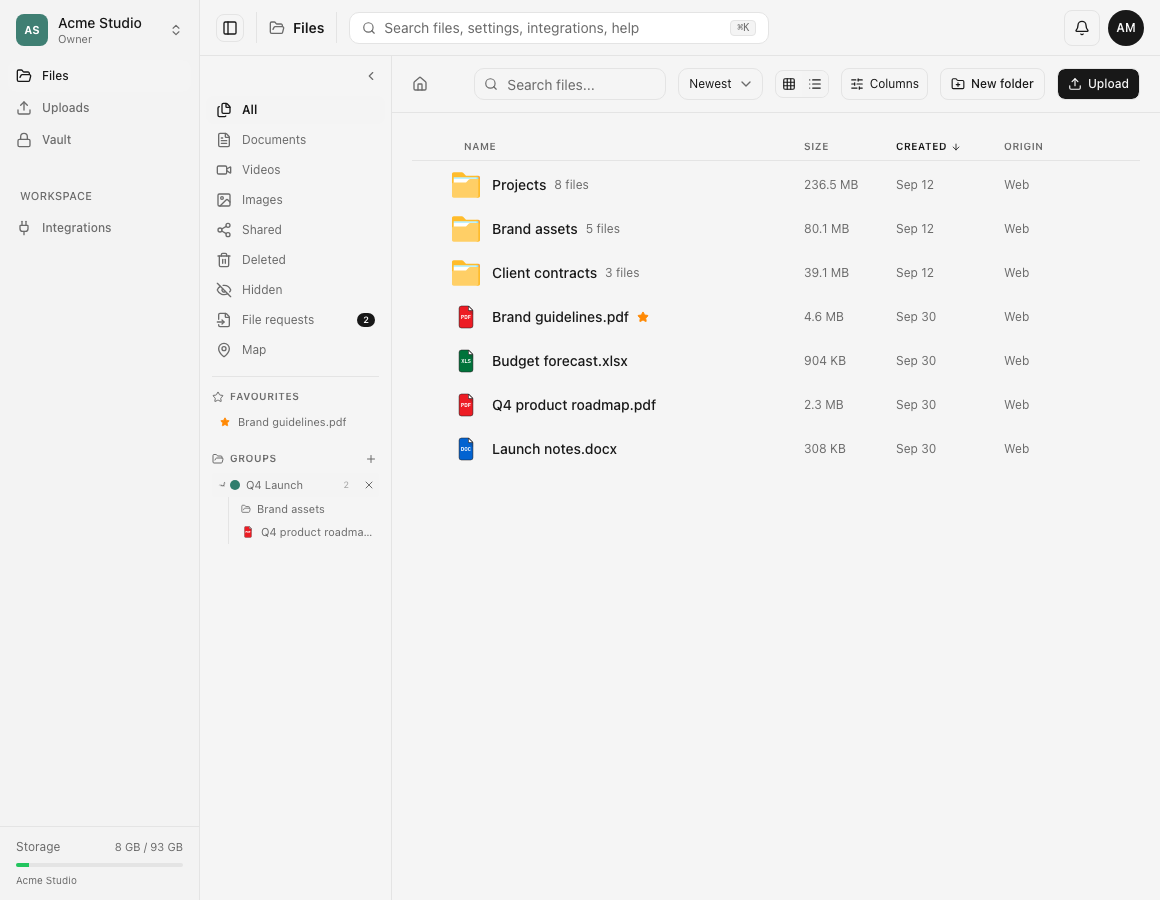
- Find the highlighted rows or cards. Folders and files contribute to the same selected count.
- In the bulk action bar, select Clear beside Select all.
- Wait for the bar’s 140 ms collapse animation, or its immediate reduced-motion equivalent.
- Confirm the selected badge disappears and every checkbox, ring, or highlighted row returns to its ordinary state.
- Start the next selection from zero.
Changing the workspace, folder, filter, group, search text, sort, regular-list page, library kind, or library sort also clears selection automatically. A background data refresh does not wipe an in-progress set merely because rows changed.
Expected result
The current selection count becomes zero, the bulk bar is inert and collapsed, and no batch endpoint receives a request. Files, folders, favourites, groups, versions, and storage totals remain untouched.
There is no undo record because clearing is only a local UI reset. Re-select the required items if you cleared by mistake.
Troubleshooting
Clear is not visible. The bulk bar appears only after at least one checkbox or modifier-click selection. If no item is highlighted, there is nothing left to clear.
The old count flashes while the bar closes. The component intentionally retains its final count during the 140 ms collapse so the label does not briefly read zero. It cannot be clicked once selection is empty.
A batch action continued. Clear does not cancel a move, delete, restore, or archive job already submitted. Read that operation’s result toast and refresh the affected folder.
Related guides
Was this helpful?
Loading helpfulness results…
Voting saves a necessary ballot cookie for up to 180 days so you can change your answer.
Questions and replies
Ask about the steps in this guide. Questions are reviewed before publication.
Keep account details, credentials and private files out of public questions. Use private support for those.
Loading questions…
Sign in to your Dosya account to ask a question.