Require expiry for workspace sharing links
Set a maximum lifetime for workspace share links, test how longer or Never choices are clamped, and distinguish the cap from the default expiry.
Last reviewed
Dosya enforces required expiry through Share link max expiry. Once this field is set to a positive duration, a newly created link cannot be permanent: a longer date or Never is silently shortened to the workspace maximum.
This cap differs from Default share link expiry. The default only preselects a value and the sharer can change it; the maximum is the final server-side ceiling.

Available controls
The Settings UI offers these maximums: No limit, 1 day, 7 days, 30 days, 90 days, and 1 year. No limit clears the workspace ceiling; it does not force links to be permanent, because the share dialog still starts at its default.
Default share link expiry offers 7 days (standard), 1 day, 7 days, 30 days, 90 days, and 1 year. With no workspace default, the web share dialog starts at 7 days. A saved default must be a whole number from 1 through 3,650 days and cannot exceed the workspace maximum.
The built-in Owner and Admin roles can edit both fields. A custom role needs Access Settings and Manage settings. The cap applies to file, folder, bundle and email-created share links through the common share service.
Steps
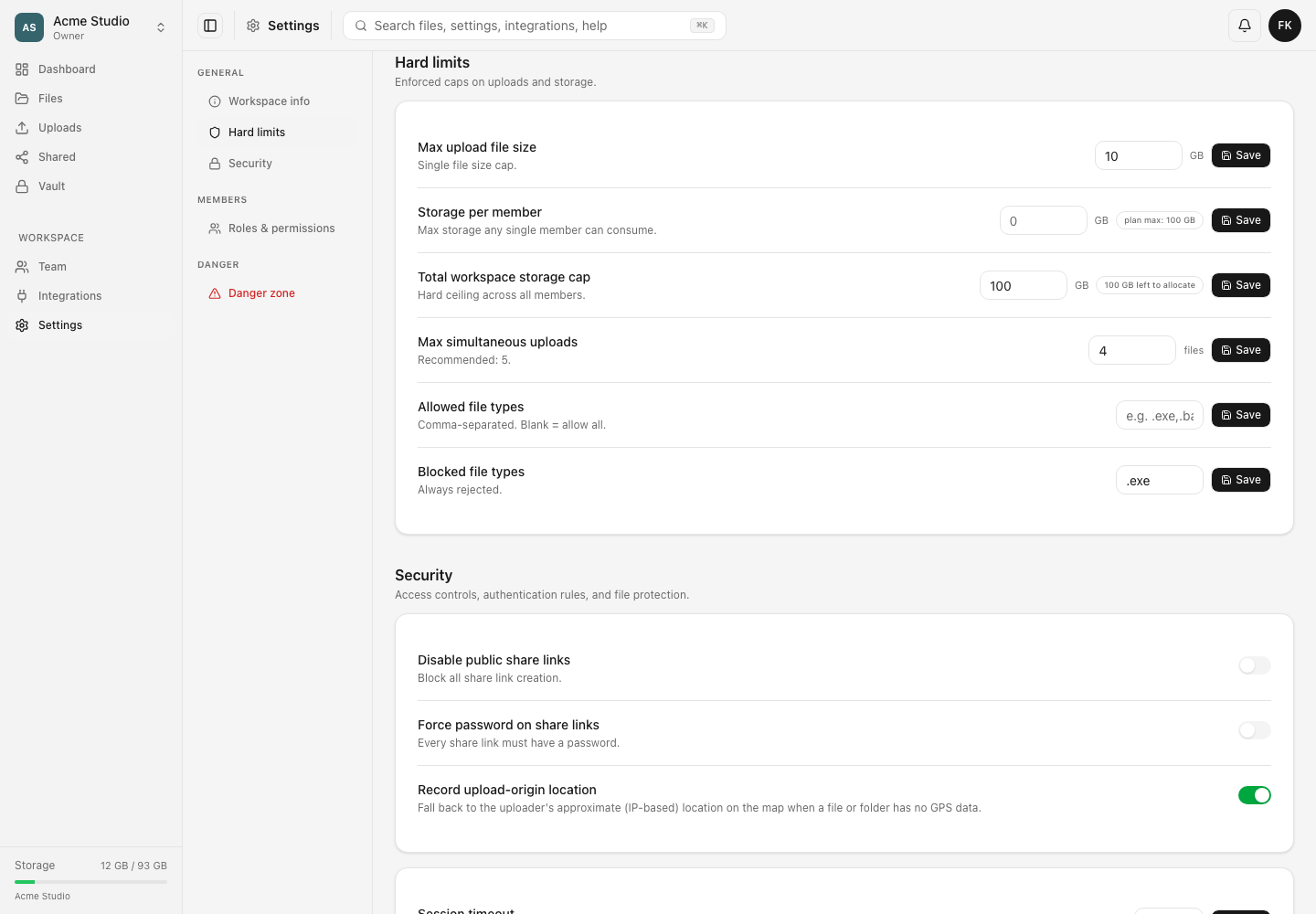
- Activate the intended workspace and open Settings → Security.
- Find Share link max expiry, whose description reads Cap how long share links can live.
- Choose the longest lifetime the organization’s policy permits, then select the adjacent Save control.
- Set Default share link expiry to a value no longer than the cap. Use the default to guide ordinary sharing, not as the enforcement boundary.
- Open a non-confidential file and create a disposable share. In Expires in, deliberately choose Never or a date beyond the maximum.
- Complete the share and inspect its actual expiration in Shared or link analytics. The server should return a timestamp no later than
creation time + maximum days. - Edit that disposable link and attempt another over-cap expiry. An expiry-changing edit is clamped by the same workspace rule while preserving the link token.
- Select Revoke for the test link after recording the result. A revoked link cannot be edited again.
Timing and existing links
The maximum is calculated from the moment a link is created or its expiry is edited. A 7-day cap becomes the current Unix time plus 7 × 86,400 seconds. A dated expiry must also be at least 60 seconds in the future and no more than 3,650 days from now.
Saving a new workspace maximum does not retroactively rewrite untouched links. An existing permanent or long-lived link keeps its stored timestamp until someone edits its expiry, revokes it, or it otherwise expires. Audit current links separately when tightening policy.
Free-plan creators already have a seven-day fair-use ceiling, even when the workspace field is No limit. When both a free-plan rule and workspace maximum apply, the earlier expiration wins.
Recipients can use the link only until its final stored expiration, not the overlong value the creator attempted. A silent clamp means a successful create response must be inspected; success alone does not prove the requested date was preserved.
Troubleshooting
You don’t have permission: manage settings. Obtain both Settings page access and Manage settings, or ask an Owner/Admin to apply the cap.
default share expiry cannot be longer than this workspace’s share link cap of … days. Lower the default to the cap or below, or raise the maximum first.
default share expiry days must be a whole number between 1 and 3650, or empty for no default. Use one of the UI presets or clear the default. The workspace maximum remains independent.
Expiry must be at least a minute in the future. Pick a later custom date; client and server clock differences can make an almost-immediate timestamp invalid.
Expiry cannot be more than 3650 days from now. Choose an earlier date. This absolute 10-year ceiling applies even when Share link max expiry says No limit.
A previously created link still says Never. The maximum is not retroactive. Edit that link’s expiration within policy or revoke and recreate it.
Expected result
Every newly created link in the workspace has an expiration no later than the configured maximum, including attempts to choose Never. The default remains a visible starting preference, and older links are handled deliberately rather than assumed to have changed.
Related guides
Was this helpful?
Loading helpfulness results…
Voting saves a necessary ballot cookie for up to 180 days so you can change your answer.
Questions and replies
Ask about the steps in this guide. Questions are reviewed before publication.
Keep account details, credentials and private files out of public questions. Use private support for those.
Loading questions…
Sign in to your Dosya account to ask a question.