Fix Personas when photos are not being read
Get Personas reading again when the photo count stalls, a browser cannot read, Vault is locked, or people and photos you expect are missing from groups.
Last reviewed
Personas reads photos on your own devices, so when nothing seems to happen, the cause is almost always on the device in front of you. Start with the progress card at the top of the Personas page. It shows the count for this device and, on a phone, what reading is waiting for.
The card says this browser or device can’t read photos
The message is This browser can’t read photos. Your other devices can. in a browser, or This device can’t read photos. Your other devices can. in the apps.
- In a browser, update it to the latest version or try a different one. Older browsers, and browsers with some features turned off, cannot run the face reader.
- Read on another device instead. The desktop app is the fastest choice. See Read photos for Personas on a computer.
This device can still show and name the people your other devices find.
Steps: get a stalled count moving
Check these in order:
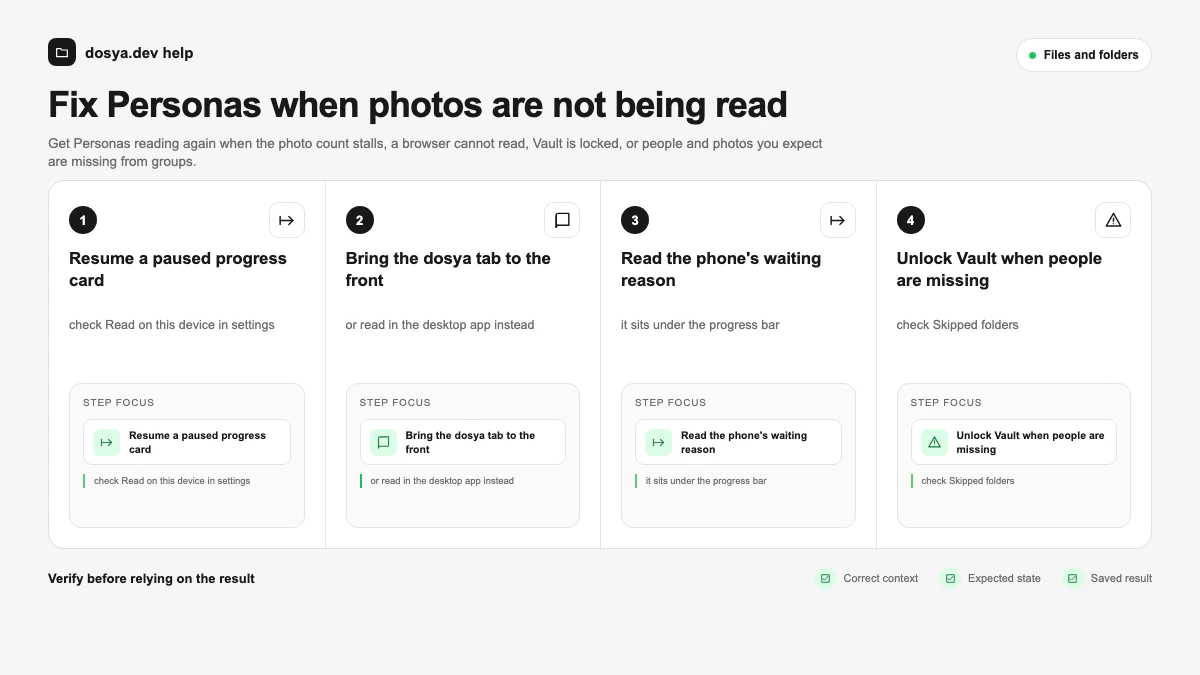
- Paused. If the card shows Resume, select it. Also open Personas settings and make sure Read on this device is on.
- Browser tab hidden. A browser reads only while the dosya tab is visible. Bring the tab to the front and leave it there, or switch to the desktop app, which keeps reading while it is open.
- Phone waiting. On a phone, the card names the reason below the progress bar. Use the table below.
- Still counting. Finding your photos means the device is listing the workspace’s photos. Large libraries take a little while before the count appears.
| Message on the phone | What to do |
|---|---|
| Waiting for Wi-Fi | Join Wi-Fi, or turn on Use mobile data in Personas settings. |
| Waiting for a charger | Plug in the phone, or choose Any time under When Personas reads. This also applies with Only while dosya is open. |
| Waiting: battery below 20% | Charge the phone. Any time does not read on battery below 20%. |
| Waiting: Low Power Mode is on | Turn off Low Power Mode, or plug in and switch to While charging. |
| Waiting for the phone to cool down | Let the phone cool. Reading starts again on its own. |
If the phone reads with the app open but never in the background, follow the iPhone and Android sections in Read photos for Personas on your phone.
Personas asks for your Vault passphrase
Personas keeps your people locked with your Vault key. If you see Unlock with your Vault passphrase to open your people on this device. (or on this browser.), unlock Vault with your passphrase or recovery code. Nothing is read or shown on that device until you do. Understand Dosya Vault explains the passphrase and recovery code.
If you see Personas uses your Vault passphrase to protect your people. Set it up to continue., your account has no Vault yet. Set it up from that screen.
A new device shows nobody yet
- Open Personas on the new device and unlock Vault when asked.
- Wait a moment. Your names, groups and corrections arrive from your encrypted people index, so people found on your other devices appear without being read again.
- If you just turned Personas on and no device has read anything yet, start reading on this device or on another one.
Expected people or photos are missing
- Fewer than 3 photos. A person appears only after their face has been found in at least 3 photos. Until then, the page can show No people found yet.
- Not read yet. The newest photos are read first, so older ones come later. Check the progress card.
- Left out on purpose. Videos, Vault files, hidden or locked photos and folders, and the trash are never read.
- Skipped folder. Open Personas settings and look under Skipped folders. Remove a folder from the list to have its photos read.
- Moved or hidden later. A photo that goes into the trash, a skipped folder, or a hidden or locked folder leaves every person it was in.
- Wrong group. Use Not this person or Merge, as described in Find and name people with Personas.
Expected result
The progress card counts up again on at least one device, or tells you exactly what it is waiting for. People you expect appear once enough of their photos have been read.
Related guides
Was this helpful?
Loading helpfulness results…
Voting saves a necessary ballot cookie for up to 180 days so you can change your answer.
Questions and replies
Ask about the steps in this guide. Questions are reviewed before publication.
Keep account details, credentials and private files out of public questions. Use private support for those.
Loading questions…
Sign in to your Dosya account to ask a question.