What happens to an inactive account or an ended plan
Not signing in does not delete your account. See what happens when a paid plan ends or a payment fails, and how to keep a copy of your files.
Last reviewed
Your account does not expire because you stop signing in. If a paid plan ends, the account falls back to Free limits, and your files stay where they are.
If you don’t sign in for a long time
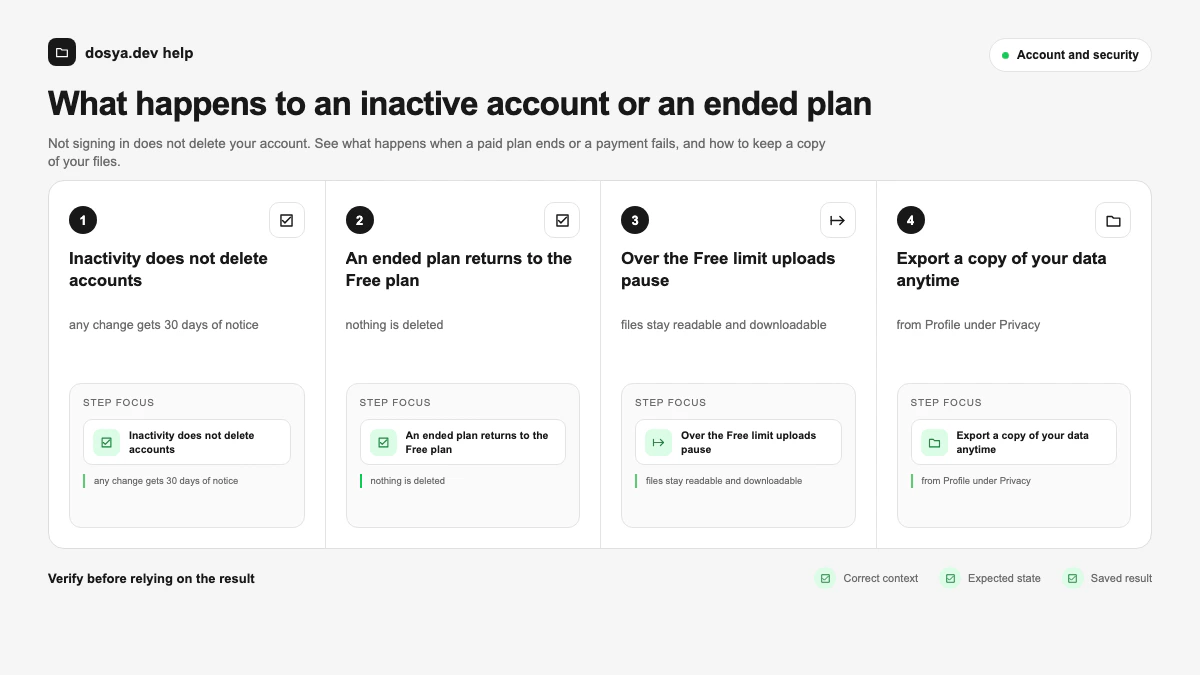
We do not delete accounts or files because nobody has signed in. This is true for Free and paid accounts alike. Our terms promise that if we ever change this, we will email you at least 30 days in advance.
The Free plan has no end date. You keep its 5 GB for as long as you want the account.
When you cancel a paid plan
- Open Billing and select Cancel subscription, then confirm.
- The plan and its storage keep working until the end date that Billing shows.
- After that date, your old storage limit stays for another 14 days.
- When those 14 days are over, the account moves to Free limits.
Changed your mind? Select Resume subscription before the end date and nothing changes.
A refund works differently. When we refund a payment, the plan it paid for ends right away and the account moves to Free limits. Your files are still kept.
When a payment fails
If a renewal charge fails, Billing shows the subscription as past due. Select Manage payment method and add a card that works. Do not try to buy the plan again: checkout is blocked while an invoice is unpaid.
If the charge is never paid, the subscription ends. You then get the same 14 days at your old limit, followed by Free limits.
One exception: if the first charge after a free trial fails, the plan ends at once. No money was taken, so there is no 14-day period.
Files above the Free limit
Nothing is deleted when your usage is larger than Free allows. You can still open and download every file. What stops is uploading: new uploads pause in every workspace you own, and Billing shows Over the limit.
Uploads start again once you free up space or add storage. The over-quota guide explains both routes.
When files can be deleted
Files are only removed in these cases:
- You delete them. They stay in the trash first: 7 days on the Free plan, 30 days on paid plans. After that they are gone for good. See trash retention.
- You delete your account. We remove its files within 30 days, and you can cancel during that wait. See delete your account.
- We close an account for breaking our terms. We keep the data for 14 days first. In that time you can ask for a copy or appeal by email.
Older versions of a file follow your plan’s history window. The current version of each file is not affected.
Steps: keep your own copy
Even with nothing at risk, a copy on your own disk is good practice.
- For a few files, download them from the web app. See download files.
- For everything, open Profile and go to Privacy.
- Choose Get a copy of your data and select Request it.
- Enter the code we email you. We then build a report plus ZIP archives of your files.
- Download every part. The links last 7 days. The data export guide has the details.
Expected result
Your account stays open whether or not you sign in. If a plan ends, you keep every file and can still download it. Only uploads pause while you are over the Free limit.
Is there a lifetime plan?
Not today. Our plans are paid monthly or yearly. We are measuring whether people want a pay-once plan before we decide. If you would buy one, add your name at dosya.dev/lifetime. It is free, you don’t need an account, and it is not a purchase.
Related guides
Was this helpful?
Loading helpfulness results…
Voting saves a necessary ballot cookie for up to 180 days so you can change your answer.
Questions and replies
Ask about the steps in this guide. Questions are reviewed before publication.
Keep account details, credentials and private files out of public questions. Use private support for those.
Loading questions…
Sign in to your Dosya account to ask a question.