Cancel or downgrade without losing track of files
Review the effective date and future allowance before cancelling or downgrading, then prepare for over-limit restrictions while retaining file access.
Last reviewed
Cancellation stops renewal; it is different from account deletion. Review the displayed end date and prepare for the lower future storage allowance before confirming.
Before you start
- Download any files you must keep locally.
- Compare used storage with the future plan limit.
- Check workspace owners and important automated uploads.
- Read the live cancellation or downgrade terms in full.
Steps: cancel or downgrade
- Open Billing and review the current plan, renewal date and usage.
- For cancellation, select Cancel subscription and read the confirmation.
- For a plan change, use Change plan and review the target allowance and effective date.
- Confirm only after recording the end or change date.
- Return to Billing and check for Cancelling, the end date, or the new plan.
- Reduce usage before the lower allowance applies; use Resume subscription if you reverse a scheduled cancellation in time.
Expected result
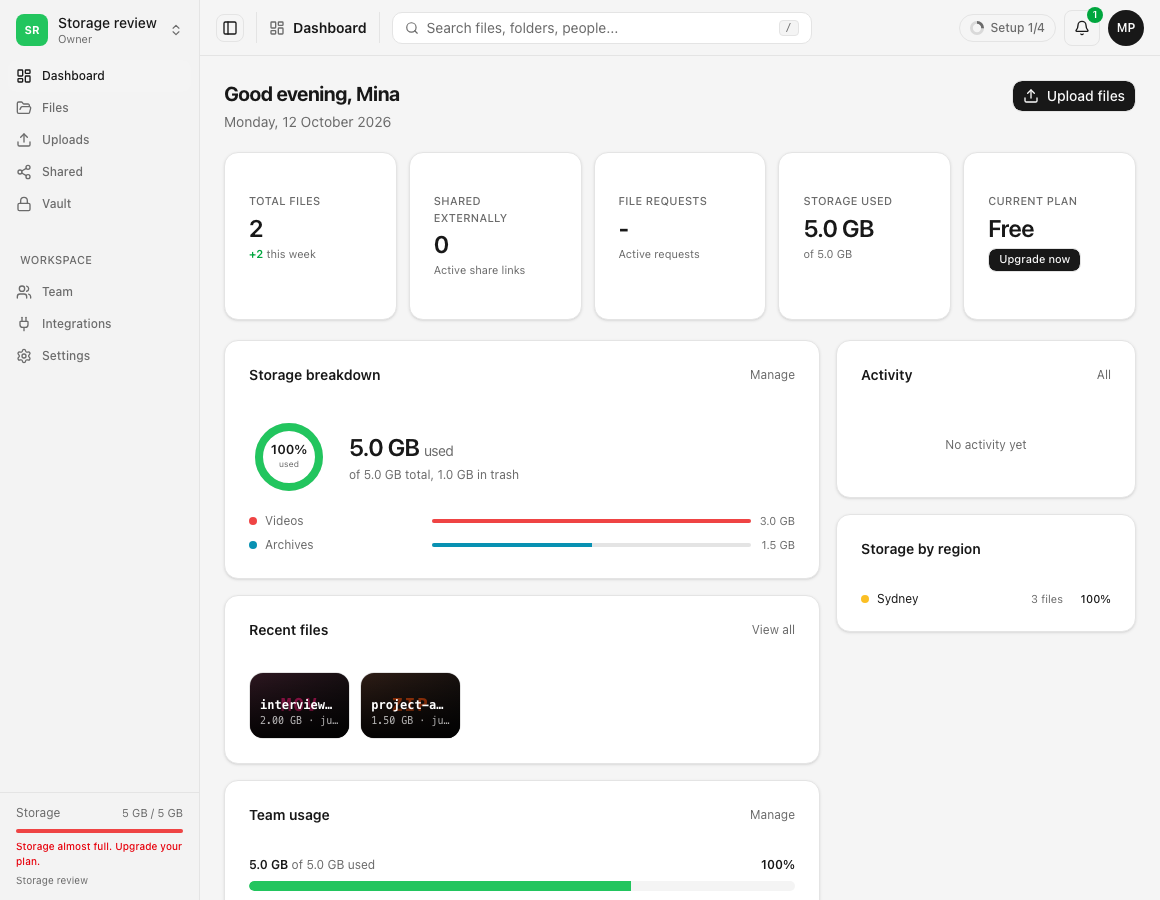
Billing clearly shows the scheduled state and effective date. At the lower allowance, uploads can be paused while existing files remain available under the displayed retention and access terms.
Limits and account effects
- Cancellation is not account deletion and does not immediately remove the account.
- The live page states the applicable paid-storage end and any grace period.
- Over-limit restrictions can affect every workspace.
- A lower plan may change features as well as capacity.
Troubleshooting
The subscription still says active. Check whether it also says Cancelling and shows an end date.
You changed your mind. Use Resume subscription while available and verify the cancelling badge disappears.
Usage exceeds the future limit. Download, permanently remove unneeded data, or choose sufficient storage before the date.
Related guides
Was this helpful?
Loading helpfulness results…
Voting saves a necessary ballot cookie for up to 180 days so you can change your answer.
Questions and replies
Ask about the steps in this guide. Questions are reviewed before publication.
Keep account details, credentials and private files out of public questions. Use private support for those.
Loading questions…
Sign in to your Dosya account to ask a question.