Estimate storage before a large upload
Total the source bytes, compare them with workspace free space, and account for versions, trash, concurrent uploads, and workspace storage caps.
Last reviewed
The workspace switcher shows free of total storage, while the sidebar shows Storage used and total. The upload preflight also reads a storage_remaining_bytes hint. That hint is based on a quota value cached for 60 seconds, so it warns rather than guarantees that a concurrent batch will fit.
The authoritative server gate uses both the account owner’s total entitlement across workspaces and any lower workspace storage cap. Trashed files still consume storage until permanently removed, and a same-name upload can add a retained version instead of replacing storage byte-for-byte.

Steps
- In the operating system, select the source files and record their combined byte size; count every file inside folders, not the folder entry alone.
- Open the Dosya workspace switcher and read its free of value for the target workspace; confirm the workspace name before doing any subtraction.
- Check the sidebar Storage used/total display, and investigate a mismatch caused by another active transfer, another workspace using the owner’s entitlement, or a workspace cap.
- Add margin for uploads running in other tabs or devices and for same-name items that will become new versions; trash is still charged until permanent deletion.
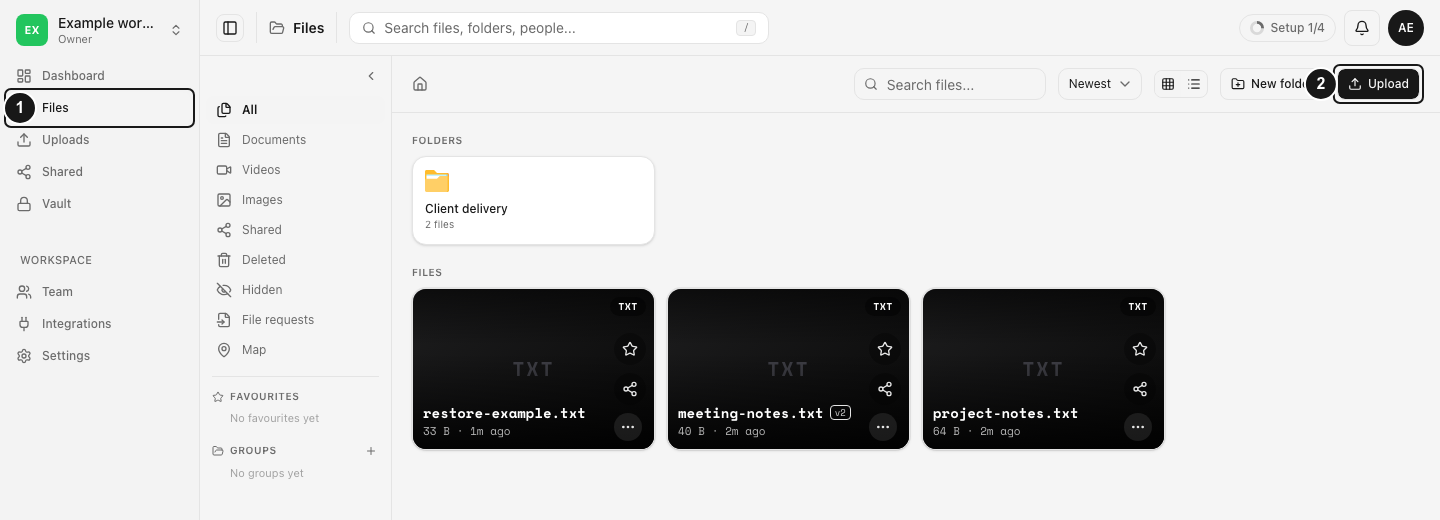
- Open Uploads, set the final Folder, and add one small representative item. If a later batch exceeds the current hint, Dosya warns This may not all fit and reports approximately how far over it is.
- Let the sample reach Done, refresh the workspace storage display, then add the remaining sources and watch each row while the server rechecks measured bytes.
Expected result
The planned source total sits below the workspace’s current free-space display with enough margin for concurrent changes, and the test item completes in the intended folder before the large batch proceeds.
A server refusal beginning You’ve used … across all your workspaces means the owner’s account-wide entitlement is binding; empty the trash or upgrade. This workspace has a N GB storage limit and this doesn’t fit means the workspace cap is lower; empty trash there or ask an owner/admin to raise the cap. A per-member refusal says You’ve reached your N GB per-member storage limit. This is one workspace-wide Storage per member setting applied uniformly to members; ask an owner or admin to raise that workspace setting.
Related guides
Was this helpful?
Loading helpfulness results…
Voting saves a necessary ballot cookie for up to 180 days so you can change your answer.
Questions and replies
Ask about the steps in this guide. Questions are reviewed before publication.
Keep account details, credentials and private files out of public questions. Use private support for those.
Loading questions…
Sign in to your Dosya account to ask a question.