Share several files with one link
Select up to 100 files in one workspace, create one bundle URL on the web, and verify that its recipient page shows exactly the intended file set.
Last reviewed
A bundle places several selected files behind one URL and one access policy. Create it from the Dosya web Files page when separate links would be hard to manage. The mobile creation sheet currently handles one file or one folder, so multi-file bundle creation is a web task.

Bundle rules
A bundle contains between 1 and 100 unique, live files from the same workspace. It cannot mix files and folders, and it cannot include a file outside the member’s assigned subtree. The Files toolbar prevents a mixed selection; the API separately rejects cross-workspace members with All files must be in the same workspace and missing, duplicate, deleted, or hidden choices with Some files were not found.
The sender must hold Create share links. Workspace policies can disable link creation, force an eight-character password, or shorten the expiry. A free-plan creator can have five active links and receives a maximum seven-day lifetime even if the picker requests longer.
Steps
- In the web app, open Files inside the workspace that contains every item.
- Select only the files for this delivery. Clear all selected folders; a folder must use its own folder link.
- Use the bulk Share action. The dialog should identify the target as N files · one link for all of them.
- Choose By link for a URL you will deliver yourself, or By email to enter up to 50 recipients.
- Set Expires in and an optional password. For named-recipient access, enable Only these people can open it. on the email tab.
- Recheck the selected count before submitting. Choose Generate link or Send.
- For a link-only bundle, copy the address from Share link created. For email delivery, wait for Shared with N recipients. or the partial-delivery notice.
- Open the bundle URL in a signed-out browser and compare every displayed file name with the selection from step 2.
What changes after creation
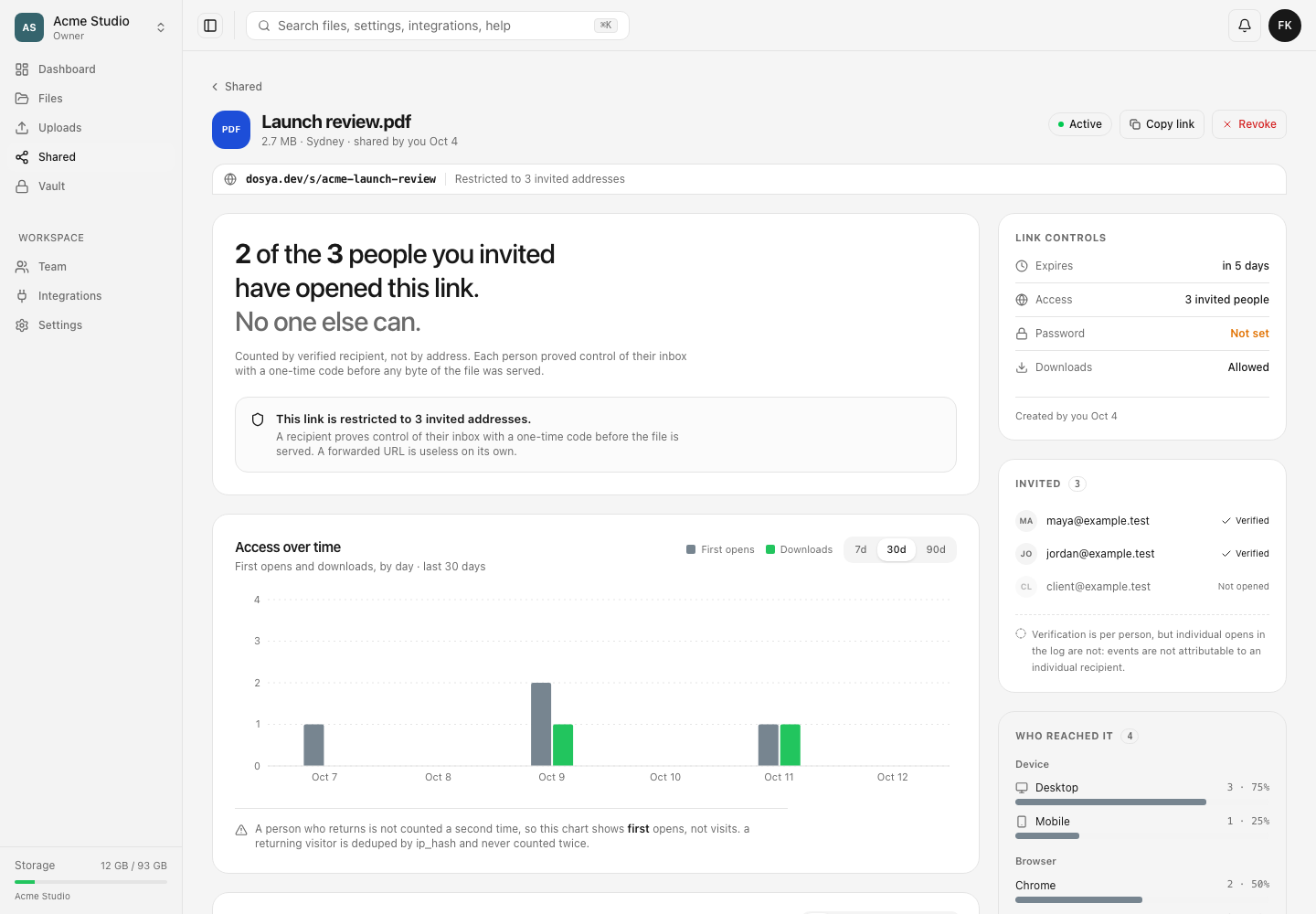
The bundle membership is stored when the URL is created; selecting another file later does not add it. The record also keeps its first member in the legacy file_id field. If that first file becomes fully locked, the target gate refuses the entire bundle with This content has been locked by its owner. A later member that becomes fully locked is omitted individually from the recipient listing, and a direct request for that member returns File not found or has been deleted. Neither case changes the link address. Recipient mail and notifications still describe the original delivery by its total file count.
If no files reach the request, Dosya returns file_ids array is required. Selecting 101 or more produces Maximum 100 files per share link. These refusals happen without creating the bundle. If all outgoing emails fail after creation, the API reports Could not send email; the link record may already exist, so check Shared before retrying.
Expected result
One live URL opens a recipient page containing the reviewed file set under the selected expiry, password, and recipient policy. The Shared area records the delivery as one bundle link rather than one link per file.
Related guides
Was this helpful?
Loading helpfulness results…
Voting saves a necessary ballot cookie for up to 180 days so you can change your answer.
Questions and replies
Ask about the steps in this guide. Questions are reviewed before publication.
Keep account details, credentials and private files out of public questions. Use private support for those.
Loading questions…
Sign in to your Dosya account to ask a question.