Verify a copied file independently
Verify a copied file by destination, preview, size, identity, and Live Photo pair status; confirm the original source remains and storage increased.
Last reviewed
A successful copy should match the source’s content while remaining a separate file record. Verify both facts before deleting, renaming, sharing, or editing either item.
What copying creates. The server writes a new storage object and file ID, reserves the source byte size, and sets new created and updated times. It preserves useful source timestamps, content hash, and hash status, but records the current actor and client as uploader and origin. Comments, share links, and the source file’s identity do not become the new item.
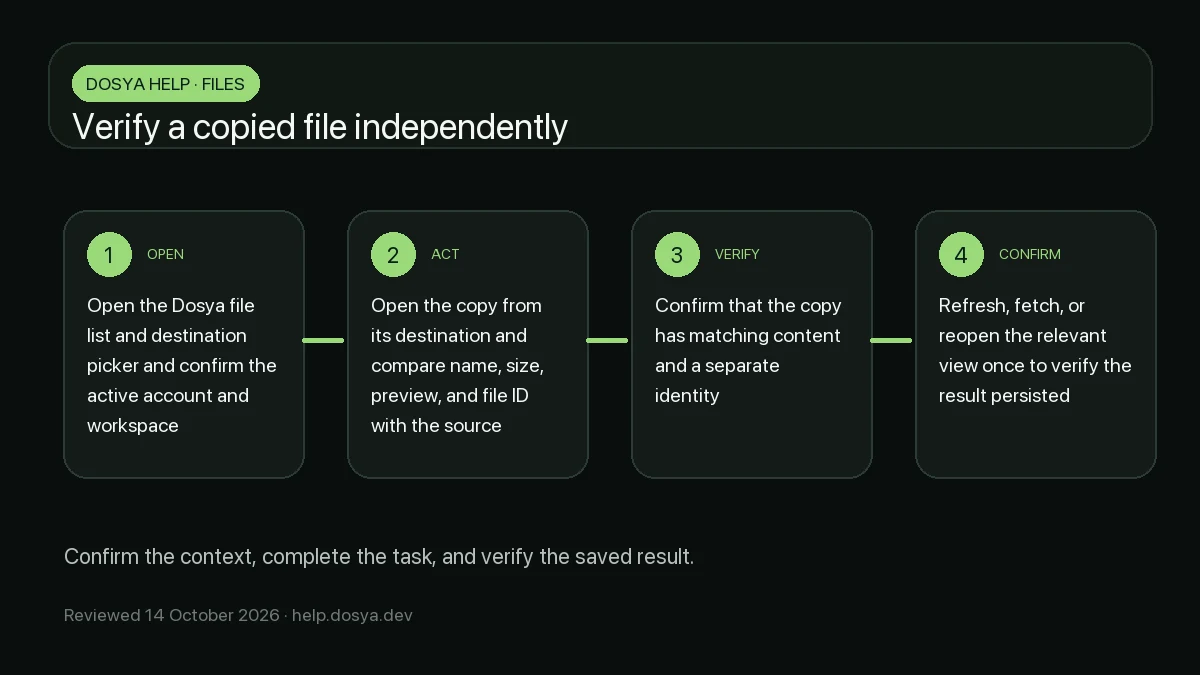
Steps
- After web Copy, remain in the current folder and locate
Copy of {filename}. Other API clients can copy to a different folder under the original or an explicit name. - Open source and copy separately. Compare preview content, type, and exact displayed byte size. For a checksum-sensitive workflow, use the preserved content hash or download and hash both objects.
- Compare file identifiers in the URL or API response. They must differ; seeing the same ID twice means you navigated back to the source rather than the copy.
- Confirm the original still appears in its folder and that the workspace storage allocation increased by the copied object’s full size.
- For a Live Photo, verify both the still and paired video. Copied — The photo was copied, but its video could not be. means the operation only partially reproduced the pair.
If the new item is absent. Refresh before retrying. The web page reports Copy failed — The file could not be copied for detailed server failures such as a name conflict, locked source, insufficient upload_files, target invisibility, confinement, quota shortage, missing source object, or a storage-copy error. Check for an already-created result so a delayed response does not lead to an unnecessary second copy.
Independence after verification. Renaming, moving, or trashing the copy does not rename, move, or trash the source. A separately shared source does not automatically grant access to the new file. Treat the copy’s new origin and uploader as the creation event, not as immutable provenance for the original bytes.
Expected result
Source and copy preview as matching content, report equal size, and have different IDs. The source remains intact, the copy can be managed independently, and quota reflects the extra object.
Related guides
Was this helpful?
Loading helpfulness results…
Voting saves a necessary ballot cookie for up to 180 days so you can change your answer.
Questions and replies
Ask about the steps in this guide. Questions are reviewed before publication.
Keep account details, credentials and private files out of public questions. Use private support for those.
Loading questions…
Sign in to your Dosya account to ask a question.