Create a folder in the right workspace
Create one folder or a nested path in the correct Dosya workspace, using exact name limits while avoiding locked, hidden, or confined locations.
Last reviewed
Create new folder can create one folder or several nested levels in one request. The active workspace and current folder determine where the first missing segment is inserted.

Before you start
- Select the intended workspace and open the parent folder. A folder-confined member who creates at root is redirected to the membership anchor.
- Your role needs
create_folders; otherwise New folder is hidden on web and mobile or the API returns You don’t have permission to create folders. - The full typed path is limited to 500 characters. Each retained segment is limited to 100 characters and cannot be
.,.., or contain control characters; empty pieces between separators are ignored. - Both
/and\separate levels. For example,Projects/Q2/Designscreates up to three nested folders.
Steps
- In Files, verify the workspace switcher and breadcrumb, then choose New folder.
- In Create new folder, type a single name or a nested path. Web shows the placeholder e.g. Brand Assets or Projects/Q2/Designs.
- Press Create or Enter. Dosya walks from the current parent, reuses live segments already present, and creates each missing segment.
- Wait for Folder created. In a group view, creation starts at workspace root and the returned leaf is added to that group when the separate follow-up succeeds. For a nested path, that leaf can be several levels below root.
- Open the returned leaf and check its breadcrumb. For a nested path, verify each intermediate level once.
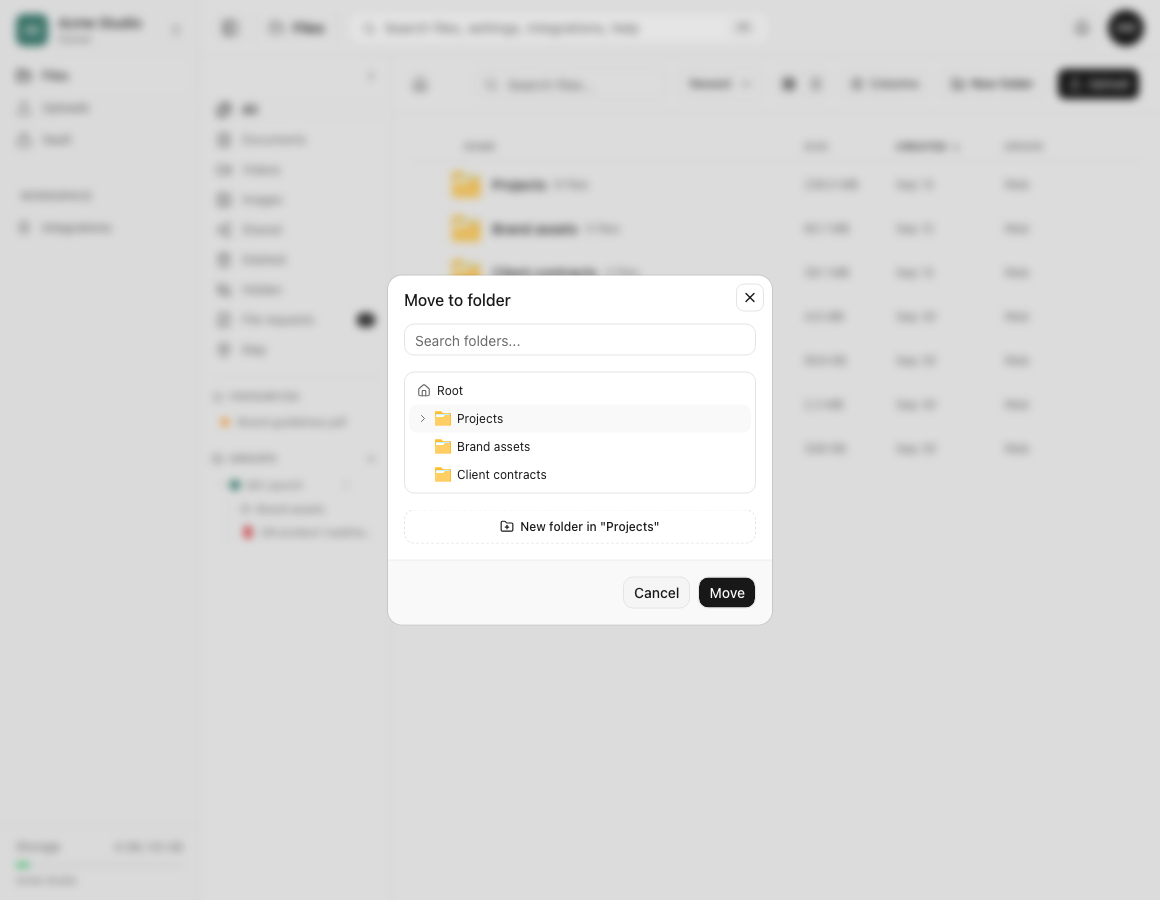
Expected result
The final folder exists under the requested parent; open it by following the hierarchy. Existing segments and their contents remain unchanged. Newly created parent segments contain the requested subfolders, while the new leaf has no files yet. A repeated request for the same complete path can succeed with created_count: 0 and returns the existing leaf rather than producing a duplicate.
Troubleshooting
- “Path too long (max 500 chars).” Shorten the full nested path, including separators.
- “Folder name ‘…’ is too long (max 100 chars)” or “Folder name ‘…’ contains invalid characters.” Fix the named segment and submit again.
- “Parent folder not found.” The displayed parent was deleted or became unavailable. Return to a live breadcrumb and reopen the dialog.
- A lock prompt or
folder_lockedrefusal appears. Unlock the parent chain. New content cannot be created inside a full-lock folder without a valid unlock state. - The folder exists but is missing from a group. Creation succeeded even if the separate group-enrolment request failed. Follow the created path from workspace root to its returned leaf, then add that folder to the group again.
Related guides
Was this helpful?
Loading helpfulness results…
Voting saves a necessary ballot cookie for up to 180 days so you can change your answer.
Questions and replies
Ask about the steps in this guide. Questions are reviewed before publication.
Keep account details, credentials and private files out of public questions. Use private support for those.
Loading questions…
Sign in to your Dosya account to ask a question.