Collect desktop version and system context
Collect Dosya version, channel, system, workspace, sync summary, error reference, and event time without attaching unnecessary private data.
Last reviewed
A useful desktop incident record identifies the build and machine without copying file contents. About dosya provides a reusable client summary; the Report Problem diagnostics add the operating-system name and kernel release, workspace ID, page, and captured error.

Before you start
- Leave the affected account signed in and keep the relevant workspace selected.
- Reproduce the problem once if doing so cannot overwrite data, then note the local clock time immediately.
Steps
- Open About dosya and record
Version, Channel, System, and Engine. System includes the recognizable operating-system name, kernel release, and architecture. - Choose Copy Details and wait for the button to read Copied. The confirmation lasts 1.5 seconds, and the copied block also includes account and sync context when available.
- Open Help > Report a Problem… or press
Cmd/Ctrl+Shift+B. Do not send yet; inspect the Diagnostics card first. - Record App, System, Workspace, Page, Error reference, Error, and Sync rows that appear. The diagnostics System value includes the recognizable operating-system name and kernel release.
- Add the occurrence time and the exact action that preceded the fault. Diagnostics store
captured_atin Unix seconds, but the card does not replace the user’s incident timeline. - Copy only the needed context into the support conversation. Common home-directory paths are replaced with
<path>and each diagnostic string is limited to 300 characters, but arbitrary secrets are not guaranteed to be removed.
Expected result
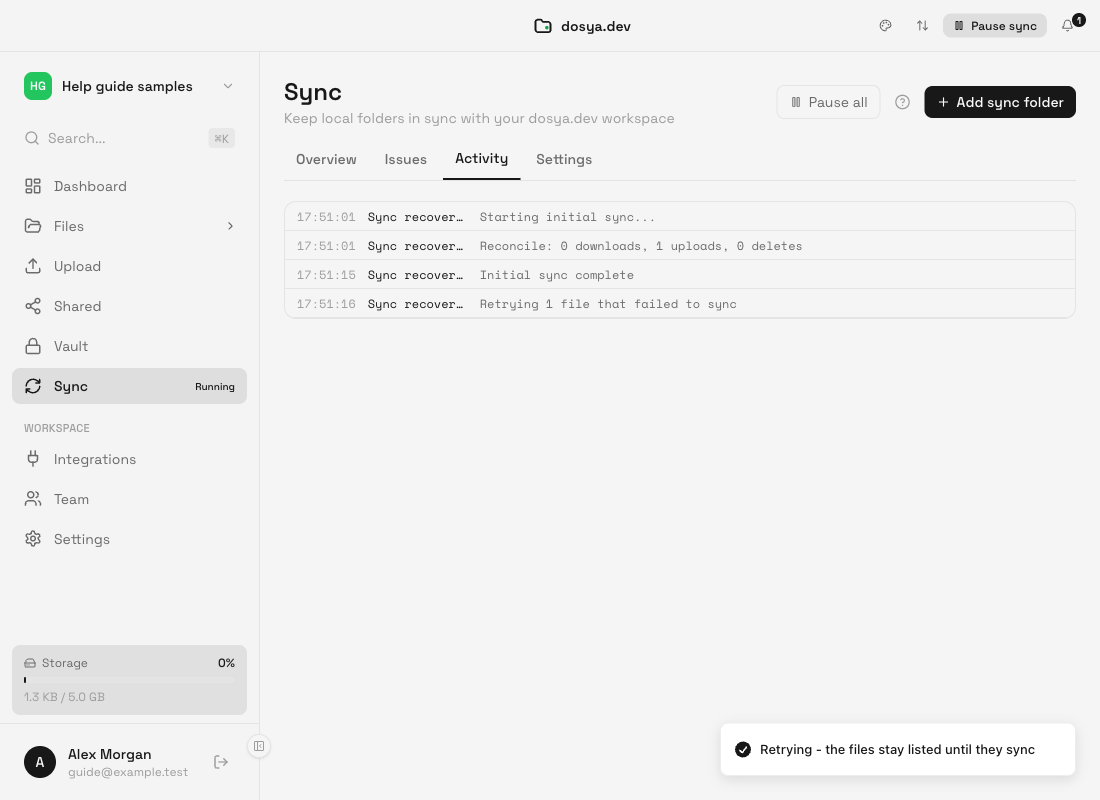
The record now separates build facts from incident facts: About supplies the installed client and channel, while Diagnostics supplies operating-system details, active workspace ID, route, sync summary, and captured error.
If a row is missing, do not invent it. Workspace requires an active workspace, and error fields appear only when the dialog was opened with matching error context.
Related guides
Was this helpful?
Loading helpfulness results…
Voting saves a necessary ballot cookie for up to 180 days so you can change your answer.
Questions and replies
Ask about the steps in this guide. Questions are reviewed before publication.
Keep account details, credentials and private files out of public questions. Use private support for those.
Loading questions…
Sign in to your Dosya account to ask a question.