Resolve an SFTP authentication failure
Fix Dosya SFTP password failures by checking exact email, API-key restrictions, temporary IP bans, and the required password-only authentication method.
Last reviewed
Dosya SFTP accepts only password authentication: the username must equal the API-key owner’s email exactly, and the password must be the complete value beginning dos_. An account password, SSH private key, public-key method, workspace name, or another member’s email will be rejected.

Separate login failure from a later path refusal. Authentication can succeed while one workspace remains hidden or returns Permission denied because the current role lacks SFTP access. Replacing the client cannot override a workspace gate.
Steps
- Verify the profile uses SFTP at
sftp.dosya.devwith port2222, password authentication, and no SSH public-key-only setting. A connection to port 22 or an FTP protocol is outside this service. - In Profile → API keys, match the key by name or visible prefix. Confirm it is not expired or revoked, and type the owner email with exactly the same case that Dosya returns for that key.
- Expand the key restrictions. Protocols must include SFTP; a Folder anchor or non-empty Allowed IP ranges makes the credential incompatible; a workspace pin must name the workspace you intend to use.
- Check active hours and usage conditions, then confirm the secret is the full one-time
dos_…value rather than the masked prefix shown later. Never print the key in a terminal argument or troubleshooting log. - Stop repeated guesses after several failures. Five credential rejections from one address within one minute trigger a 15-minute ban; wait out the full interval after correcting the profile.
- Reconnect once. If login succeeds, run
lsand enter the workspace; if it fails again, record the timestamp and whether the client reported timeout or password rejection, then revoke and recreate the dedicated key instead of continuing guesses.
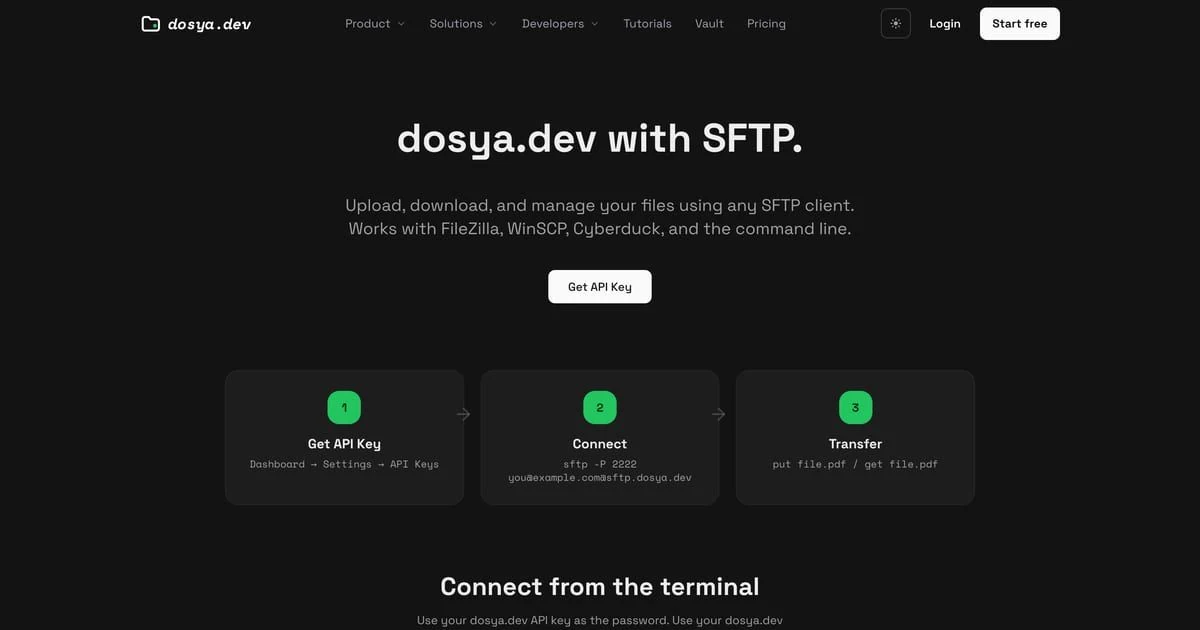
The server ends authentication attempts that do not complete within 30 seconds. A backend timeout or 5xx can still reject the session, but those availability errors do not count as bad credential guesses; a later retry may work. API 401 and incompatible-key 403 responses do count toward the address ban.
After login, access to that workspace is not permitted for this credential means membership or access_sftp failed. Ask an owner or admin to correct the role instead of widening an unrelated API key.
Expected result
One corrected connection authenticates using the exact email and API key, then lists the workspaces allowed by the key and role. If authentication remains unavailable, the captured evidence distinguishes a credential rejection, temporary ban, and service timeout without exposing the secret.
Related guides
Was this helpful?
Loading helpfulness results…
Voting saves a necessary ballot cookie for up to 180 days so you can change your answer.
Questions and replies
Ask about the steps in this guide. Questions are reviewed before publication.
Keep account details, credentials and private files out of public questions. Use private support for those.
Loading questions…
Sign in to your Dosya account to ask a question.