Run an rclone sync dry-run
Preview a one-way rclone mirror with sync --dry-run, interpret planned transfers and deletions, then run the real command only after review.
Last reviewed
rclone sync makes its second path match its first path. Destination-only files can be removed, so confirm direction and preview the exact pair every time. --dry-run asks rclone to report intended work without applying copies, replacements, or deletions.

--dry-run. Open full-size screenshot.Configure rclone without a fork
The Dosya backend ships inside current rclone releases. Do not install a Dosya-specific fork. Run the standard configuration command:
rclone configCreate an API key that has the permissions needed by the chosen direction. A cloud destination that may receive uploads and deletions needs Full access plus the corresponding workspace role permissions; a cloud source used only for local download can use Read only. Keep the key out of terminal history and shared logs.
Choose a new remote, name it dosya, and select dosya from the storage-provider list. Enter the intended workspace ID and API key when prompted. Confirm the native remote before planning a mirror:
rclone lsf dosya:If dosya is absent from the provider list, update rclone or configure the stock S3 backend as the fallback described in the Dosya rclone documentation:
rclone config create dosya s3 \
  provider=Other \
  access_key_id=dos_your_access_key \
  secret_access_key=your_secret_access_key \
  endpoint=https://api.dosya.dev/s3 \
  region=us-east-1

rclone lsf dosya:WORKSPACE_ID
The remaining commands use the native path dosya:/mirror-check. With the S3 fallback, use dosya:WORKSPACE_ID/mirror-check because the workspace ID is the bucket.
Steps
-
Run
rclone config, choose the built-in dosya provider, and confirmrclone lsf dosya:works. If the provider is absent, configure the S3 fallback and listdosya:WORKSPACE_IDinstead. -
Create a small, known local source such as
./sample-sourceand an isolated cloud destination such asdosya:/mirror-check. Back up anything already in that destination. -
List the local source and
dosya:destination recursively, then save the output:rclone lsf ./sample-source --recursive rclone lsf dosya:/mirror-check --recursive -
Run the preview with verbose operation lines:
rclone sync ./sample-source dosya:/mirror-check --dry-run --progress -vv -
Review every path marked for copy, replacement, or deletion. Skipped copy as —dry-run is set confirms simulation. If a destination-only file must remain, stop and use
rclone copyor move it outside the mirror. -
Re-run the preview after changing filters, source contents, current directory, or destination. Only after that second review, run the live command by removing
--dry-runyourself:rclone sync ./sample-source dosya:/mirror-check --progress -vv
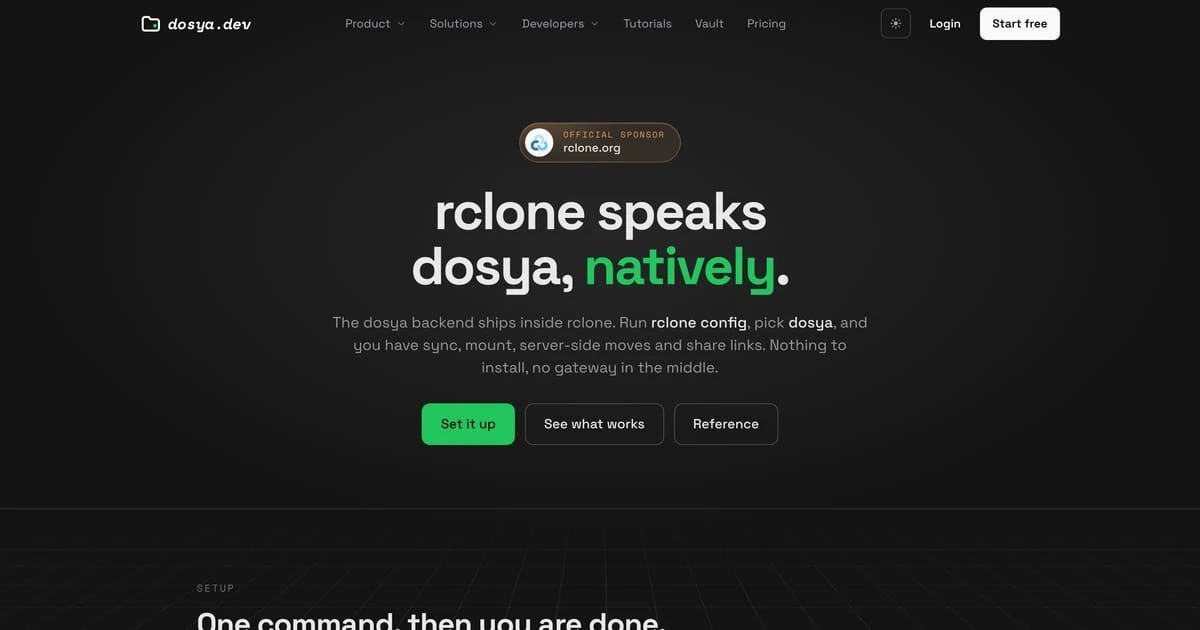
dosya: provider; the S3 gateway remains available when an older build does not list it. Open full-size screenshot.Deletion and recovery rules
An empty or mistaken source makes all destination entries candidates for removal. Filters also redefine the mirror set; --delete-excluded permits removal of excluded destination content. Rclone normally avoids destination deletion after transfer errors, while --ignore-errors relaxes that protection. Do not add either flag to bypass an unexplained plan.
Reversing the paths changes the risk. This command makes a local directory match Dosya and can remove local-only files:
rclone sync dosya:/mirror-check ./sample-download --dry-run --progress -vvDosya cannot restore data deleted only from your computer. Keep an independent local backup before approving that direction. A live sync to the native dosya: destination deletes each removed item twice: the first request moves it to Dosya Trash, and the second purges it permanently to free storage. Trash cannot recover a destination-only item removed by this backend, so preserve an independent copy before approving the live command.
The dry-run itself is reversible because it writes nothing. The live command is not transactional: transfers can succeed before a later error, and a retry does not roll back earlier changes.
Verify the live run
Capture the command’s exit status, list the destination again, and compare bytes without modifying either side:
echo $?
rclone lsf dosya:/mirror-check --recursive
rclone check ./sample-source dosya:/mirror-check --download
An exit status of 0 means the command reported no remaining errors; it does not prove files were transferred. A nonzero result can leave partial successful work. Inspect the Dosya folder and compare it with the saved pre-run listing before retrying; native-backend deletions are already purged from Trash.
Expected result
The dry-run reports the exact one-way mirror plan while leaving both trees unchanged. If the approved live sync is later run, the destination matches the source, including intentional removal of destination-only entries, and rclone check finds no content differences.
Related guides
Was this helpful?
Loading helpfulness results…
Voting saves a necessary ballot cookie for up to 180 days so you can change your answer.
Questions and replies
Ask about the steps in this guide. Questions are reviewed before publication.
Keep account details, credentials and private files out of public questions. Use private support for those.
Loading questions…
Sign in to your Dosya account to ask a question.