Troubleshoot missing album artwork
Restore missing mobile album artwork by checking playback-triggered parsing, supported tag containers, the 50 MiB file limit, and the 2 MiB image cap.
Last reviewed
Album artwork appears only when the mobile player extracts a supported embedded image and writes it to its local metadata cache. There is no server-side artwork refresh command.

Artwork requirements
Start playback so the app caches the audio and triggers parsing. Supported sources are ID3 artwork in MP3 and cover art in MP4-family containers. The full audio file must be 50 MiB or smaller for tag parsing, and embedded artwork larger than 2 MiB is ignored for both parser families.
Steps
- Play the intended track in the Dosya mobile app. Confirm that its filename, size, and modified time describe the version you expect.
- Open Track info. If title, artist, or album appear but the artwork does not, the image may be absent, oversized, malformed, or unable to be written to the local cache.
- Inspect the source audio in a trusted tag editor. Embed one JPEG or PNG cover within the supported container and keep that image at or below 2 MiB.
- Upload the corrected audio as the intended new or replacement version. Playing the old version again cannot repair bytes that never contained usable artwork.
- Play the current version and reopen Track info. The cache key includes file ID, byte size, modified timestamp, and parser version, so a changed file is parsed again.
When the music-note fallback remains
Files above 50 MiB deliberately skip the full tag read. Unsupported containers can still play but yield no embedded art. A local artwork-write failure preserves any text tags, which explains why title and artist can appear beside the fallback icon. Removing and reinstalling the app may clear local cache data, but it cannot create missing source artwork.
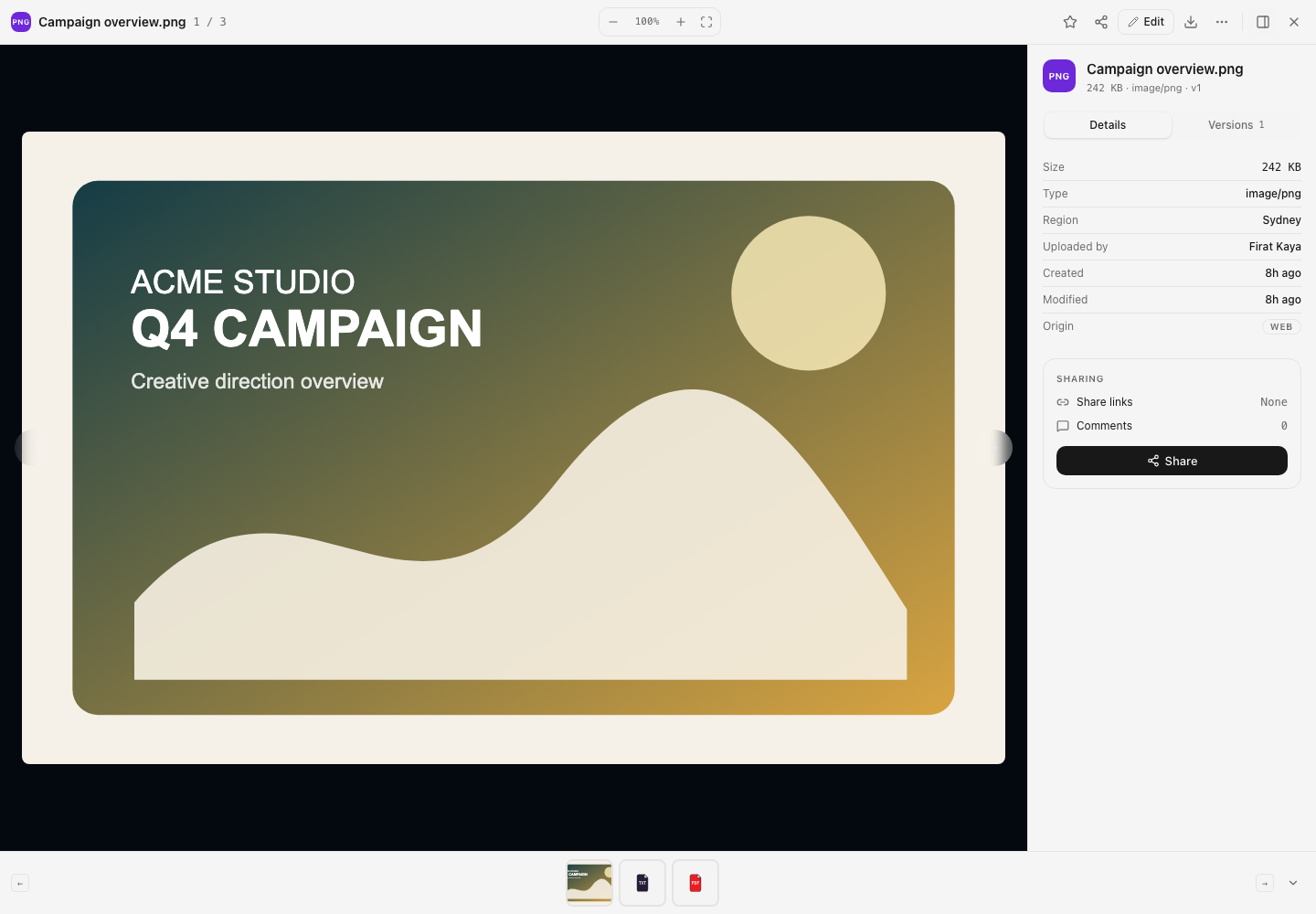
The browser preview screenshot does not show an album-art processor. Use it only to identify the current file and version before returning to the mobile player.
Expected result
A supported track no larger than 50 MiB shows embedded JPEG or PNG artwork no larger than 2 MiB after playback triggers a successful local parse.
Related guides
Was this helpful?
Loading helpfulness results…
Voting saves a necessary ballot cookie for up to 180 days so you can change your answer.
Questions and replies
Ask about the steps in this guide. Questions are reviewed before publication.
Keep account details, credentials and private files out of public questions. Use private support for those.
Loading questions…
Sign in to your Dosya account to ask a question.