Inspect audio title and artist metadata
Inspect mobile audio title, artist, album, duration, bitrate, and sample rate while understanding parser formats, the 50 MiB ceiling, and fallbacks.
Last reviewed
Dosya extracts audio tags on the device from locally cached bytes. Start playback before inspecting the result because opening general file details alone does not run the audio parser.

Supported metadata path
The mobile parser recognizes ID3-tagged MP3 and MP4-family files such as M4A, M4B, MP4, AAC, and ALAC, with byte sniffing as a fallback for an incorrect extension. It reads the full file only when the stored size is at most 50 MiB. Larger tracks are marked parsed without embedded tags to avoid loading a large base64 copy into memory.
Steps
- Play the intended unlocked audio file in the Dosya mobile player and wait for playback to start. Metadata extraction uses the local cached copy and does not send tag contents to a separate server parser.
- Open the button labelled Track info. The sheet always shows Size, Type, and Modified.
- When present, compare Artist, Album, and Duration with the source. MP3 parsing can also add Bitrate in kbps and Sample rate in kHz.
- Compare the player heading. If no embedded title exists, Dosya uses the filename without its extension; if no embedded artist exists, the queue uses the source folder name.
- After replacing a track, play the current version again. Cached metadata is accepted only when its file ID, byte size, modified timestamp, and parser version still match.
Missing or partial tags
An unsupported container, malformed tags, or a file larger than 50 MiB can leave the sheet with only file properties. Playback may still supply a duration for a format the tag parser does not understand. ID3 MP3 provides the richer technical values; MP4-family parsing does not promise bitrate or sample rate.
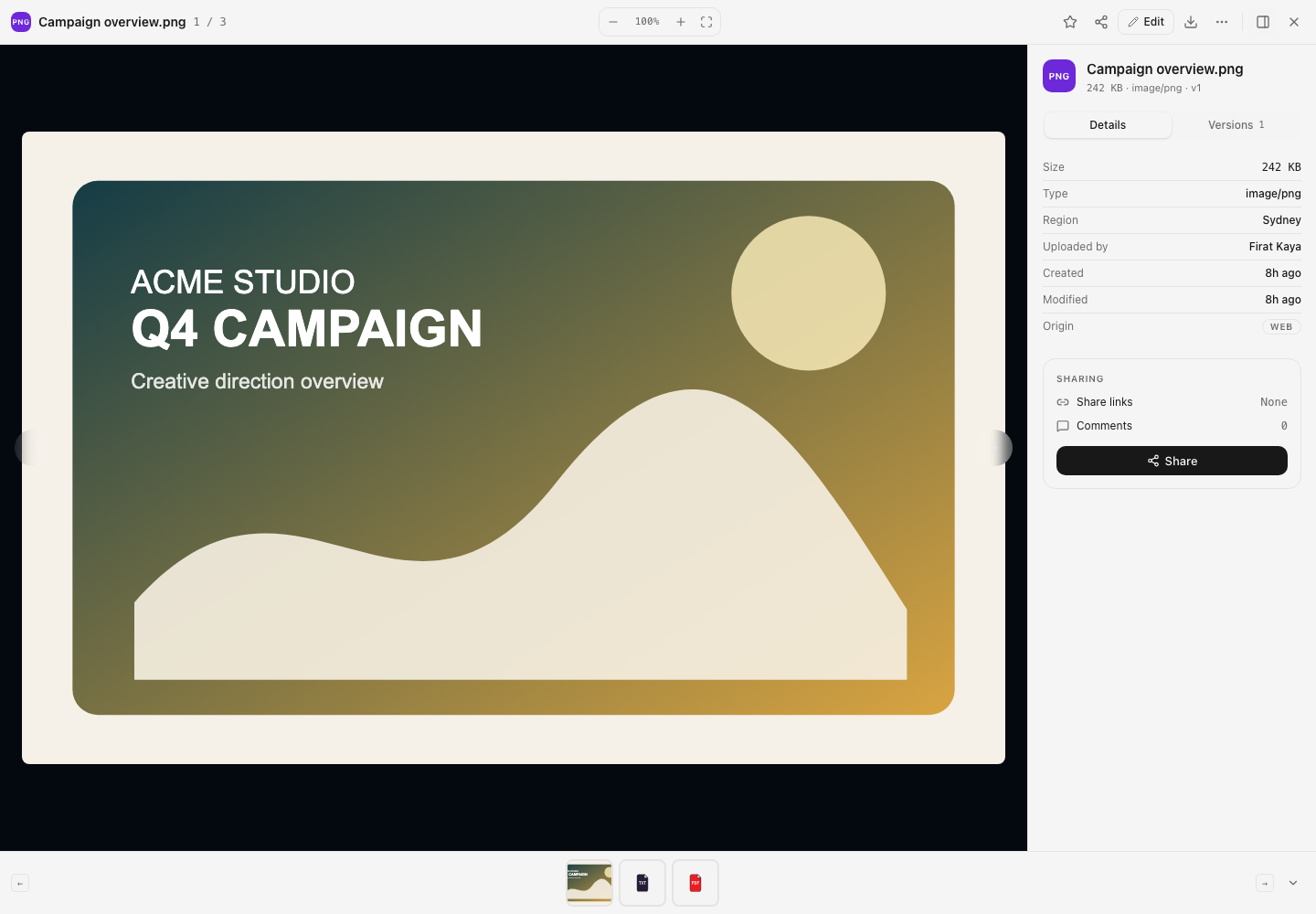
The browser screenshot illustrates the common preview and Details shell rather than the mobile Track info sheet. Do not expect embedded audio fields in that browser panel.
Expected result
The mobile Track info sheet shows each supported tag found in the cached audio bytes and uses filename or folder fallbacks without changing the stored track.
Related guides
Was this helpful?
Loading helpfulness results…
Voting saves a necessary ballot cookie for up to 180 days so you can change your answer.
Questions and replies
Ask about the steps in this guide. Questions are reviewed before publication.
Keep account details, credentials and private files out of public questions. Use private support for those.
Loading questions…
Sign in to your Dosya account to ask a question.