Verify email notification delivery
Check Dosya's Email channel, event rules, inbox placement, and mandatory notices to distinguish an opt-out from a delivery failure or provider delay.
Last reviewed
Dosya has no Send test email control. It sends email only when the event’s catalog entry includes email and the account permits that channel. Some security and account notices are mandatory: they are emailed even when the Email channel or their group is off, and their footer says the notice cannot be unsubscribed from.

Steps
- Open Profile → Notifications → Delivery channels and verify that Email is on for ordinary mail.
- Find the event’s group below the channel switches. Turn that group on; a nested option is effective only while its parent group is enabled. Groups marked Always on cannot be disabled, and a note identifies groups containing some mandatory events.
- Generate one safe event whose documented channels include email. Do not use a browser-push-only or in-app-only event as an email test.
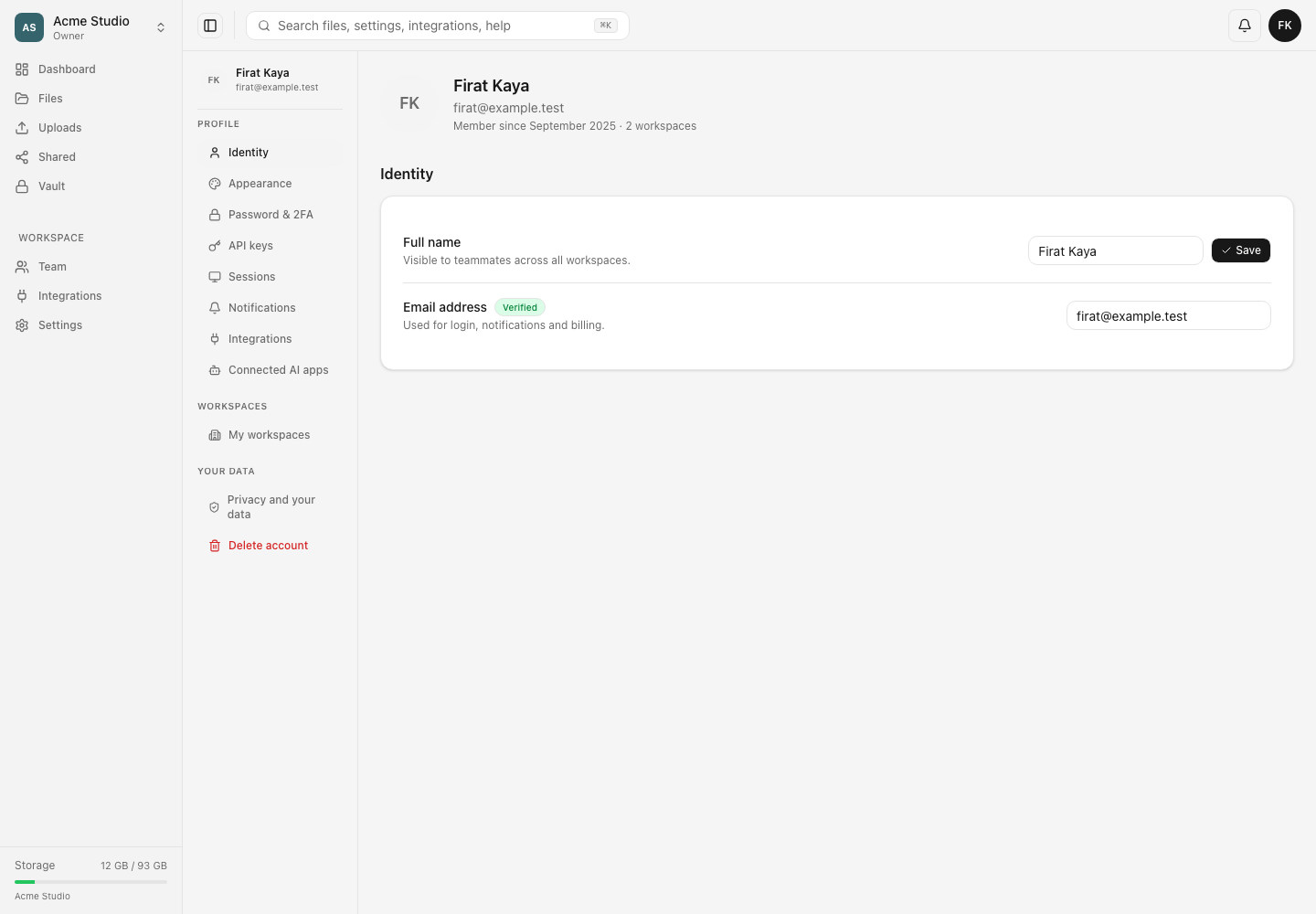
- Check the inbox for the address shown in Profile → Identity, then inspect spam, junk, promotions, quarantine, and organization mail rules. Catalog mail uses the event-specific subject and a Dosya notification layout.
- Compare the Dosya in-app notice with the email. Each transport is attempted independently: an inbox row can exist even if the email provider rejects or delays the message.
- If a mandatory security notice is absent from email but present in Dosya, record the event time, account address, and notification title before contacting support.
Switches save immediately. A failed save restores the previous position and shows Couldn’t save with either the server error or Your channel preference could not be saved.
Expected result
A mail-enabled event reaches the current account email when its ordinary channel and group gates are on. Mandatory security/account mail can arrive regardless of those preferences and has no unsubscribe link. Dosya does not expose a delivery receipt to the recipient, so the inbox comparison and mail-provider search are the practical checks.
Related guides
Was this helpful?
Loading helpfulness results…
Voting saves a necessary ballot cookie for up to 180 days so you can change your answer.
Questions and replies
Ask about the steps in this guide. Questions are reviewed before publication.
Keep account details, credentials and private files out of public questions. Use private support for those.
Loading questions…
Sign in to your Dosya account to ask a question.