Troubleshoot an empty notification inbox
Explain an empty notification inbox by checking account scope, in-app delivery, dismissal, expiry, pagination, and connectivity before retesting.
Last reviewed
An empty inbox can mean there are no visible messages, every row was dismissed, the In-app channel is off, or the current account has no eligible notification. It does not prove that all workspaces are quiet.

Steps
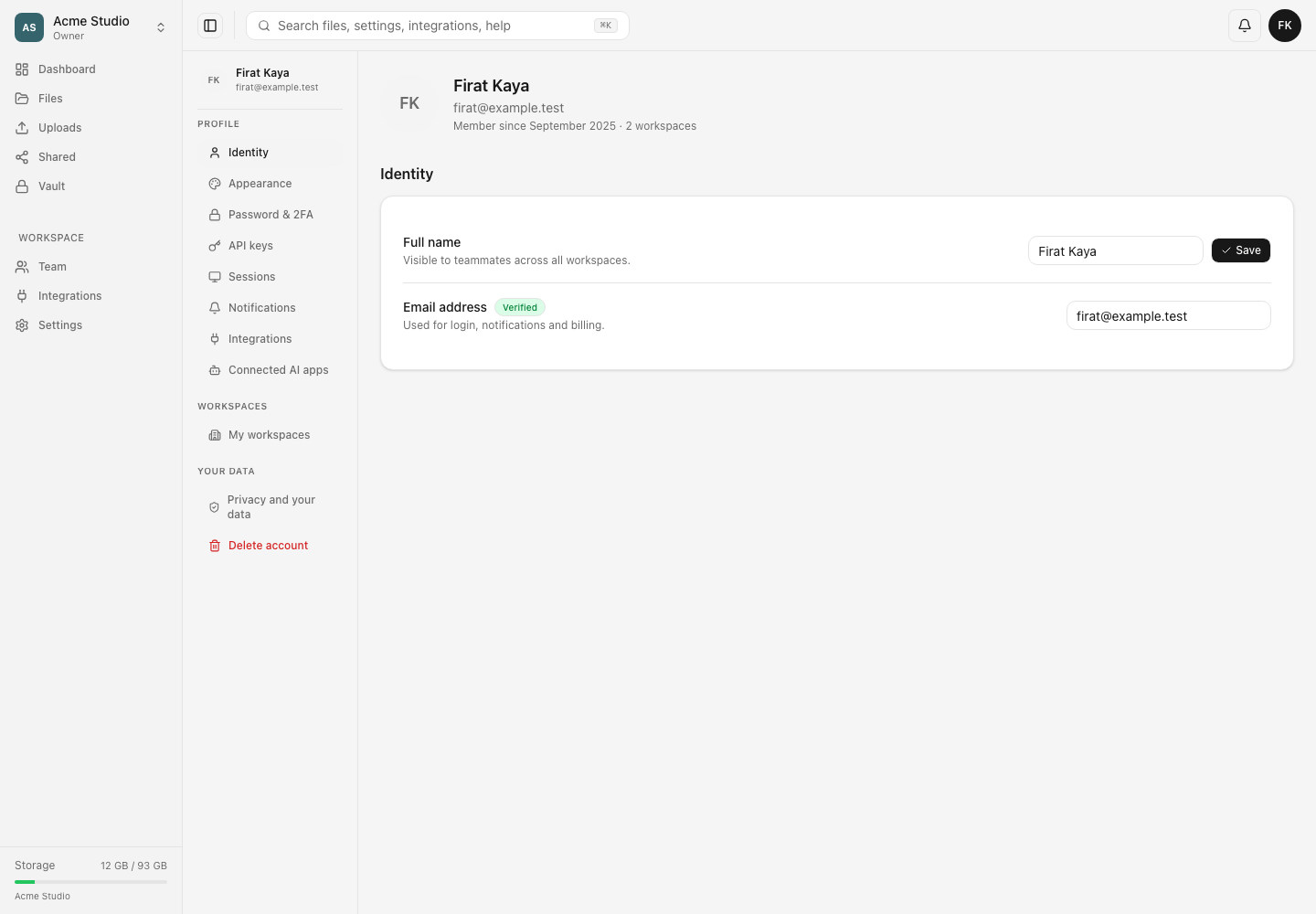
- Confirm the email on the mobile Settings card or web profile. Notification history is account-wide and never transfers between accounts.
- On mobile, tap the bell; You’re all caught up. appears when the merged list returns no rows. The web full page uses Nothing here yet.
- Open notification settings and check In-app. When disabled, personal and broadcast inbox queries exclude rows. The stored record and separately enabled Email or Push delivery can still exist.
- Review event groups. Muted broadcasts are omitted, and optional personal events may never have been written.
- Restore connectivity and reopen the inbox. Mobile requests 30 newest rows and loads older pages near the list end; web can use Load more.
- Trigger one harmless eligible event from a second account or member, then refresh/focus the client.
The server excludes personal notices whose expiry time has passed and any row with a dismissal timestamp. Active broadcasts are also filtered by the account’s group opt-out and dismissal state. Marking a row read does not remove it; using the close/dismiss control does.
Expected result
The inbox either receives the controlled event or the checks isolate account, channel, group, expiry, dismissal, or connectivity as the reason it remains empty.
Troubleshooting
The bell count is zero but rows exist. Read rows remain visible without contributing to the unread summary. Mark all read changes count, not retention.
A workspace switch did nothing. The inbox is scoped to the user, not the active workspace. Resource navigation may still require switching context after opening a notice.
A test event appears by email only. Mandatory mail can bypass the Email preference, while In-app or Push remains disabled. Use an optional event when testing ordinary channel behavior.
Related guides
Was this helpful?
Loading helpfulness results…
Voting saves a necessary ballot cookie for up to 180 days so you can change your answer.
Questions and replies
Ask about the steps in this guide. Questions are reviewed before publication.
Keep account details, credentials and private files out of public questions. Use private support for those.
Loading questions…
Sign in to your Dosya account to ask a question.