Sign out and clear mobile account data
Sign out of Dosya mobile, understand the four-second server-revocation attempt and local data purge, then verify the next account starts clean.
Last reviewed
Sign out starts a bounded sign-out sequence before showing the signed-out screen, then schedules broad local cleanup so another account cannot inherit cached data.

Steps
- Finish or deliberately stop active uploads and note any backup configuration you will need later. Signing out clears queued and persisted transfer state from this device.
- Open Settings and confirm the email on the account card.
- Scroll to Sign out and tap it. The current mobile UI has no confirmation dialog.
- Dosya first gives registered pre-sign-out hooks up to 3 seconds to unregister push while the access token still works.
- It then presents the latest stored refresh token to
/api/auth/mobile/logout, waiting at most 4 seconds for server revocation. Offline, timeout, or server failure does not keep the phone signed in. - Confirm that the app returns to Welcome back (or the once-per-device welcome deck on a new installation).
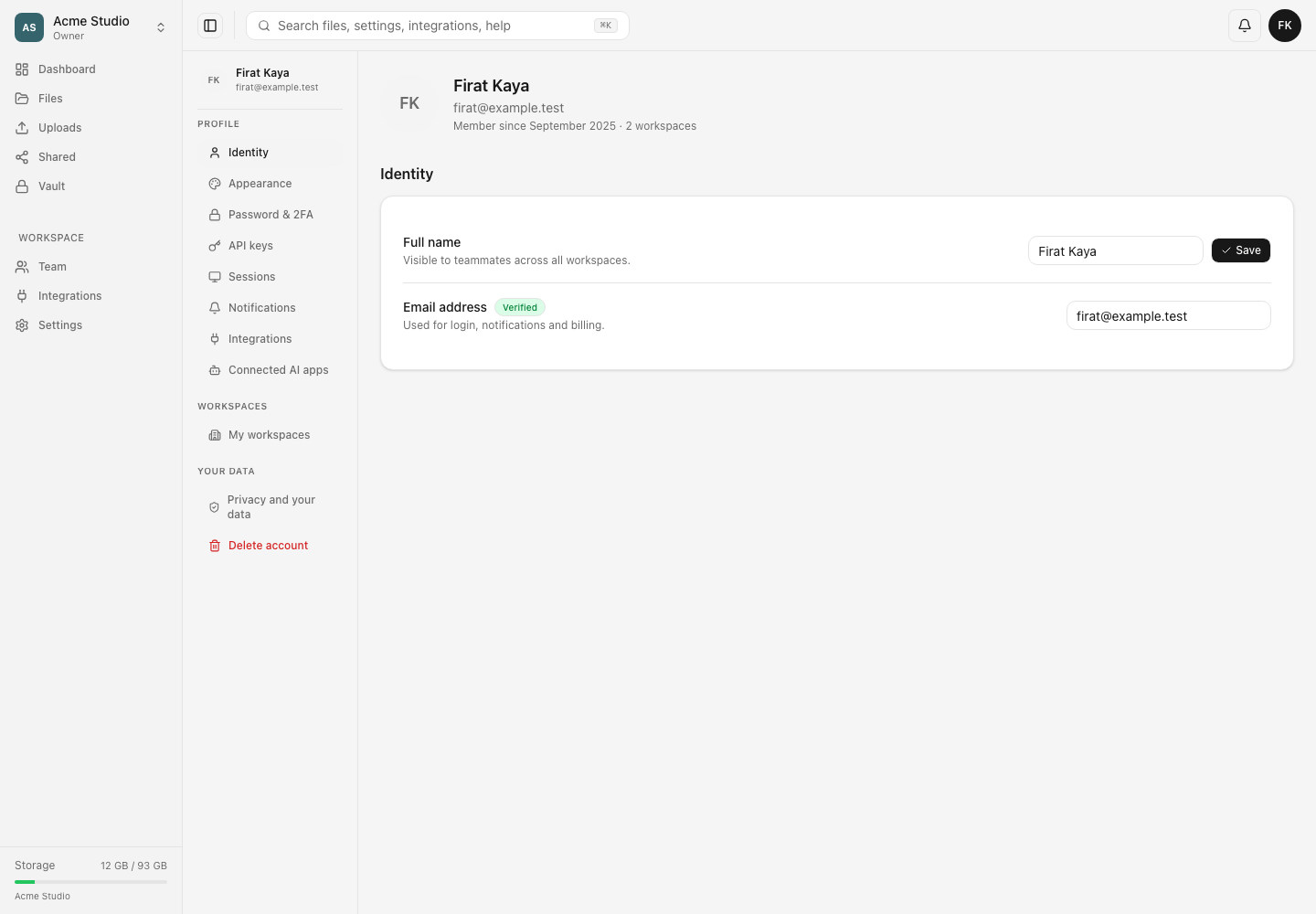
Local tokens and cached API responses are cleared before the signed-out shell appears. Best-effort cleanup then stops audio and backup, cancels background uploads, clears upload queues, active workspace, backup ledger/history/settings, contacts state, CarPlay history, Vault session/decrypted cache, file bytes, image caches, account onboarding, and the linked iOS Files location. Device-level theme, biometric preference, reader presentation settings, and Last used sign-in hint remain.
Server logout revokes this mobile session and its linked Files-provider child session when reachable. It does not delete the Dosya account, workspaces, cloud files, shares, or other devices’ independent sessions.
Expected result
The signed-out authentication screen replaces the account UI, this device no longer has usable local account tokens, and a later different account starts without the previous account’s cached workspace state.
Troubleshooting
The phone was offline. Local sign-out still completes. Because the server revocation attempt may have failed, use the web session-management page when online if you need to revoke sessions centrally.
Backup preferences disappeared after signing in again. That is the documented local purge. Re-select destinations, folders, network policy, and photo permission as needed; cloud backups already uploaded remain stored.
The app appears signed out after a locked-keychain launch. A background start can temporarily fail to read secure storage. That path records no explicit sign-out and avoids purging account data; unlock/restart before assuming the session was revoked.
Related guides
Was this helpful?
Loading helpfulness results…
Voting saves a necessary ballot cookie for up to 180 days so you can change your answer.
Questions and replies
Ask about the steps in this guide. Questions are reviewed before publication.
Keep account details, credentials and private files out of public questions. Use private support for those.
Loading questions…
Sign in to your Dosya account to ask a question.