Correct a WebDAV workspace endpoint
Replace an incorrect WebDAV URL with Dosya’s labelled workspace endpoint, verify its workspace ID, and avoid ambiguous mounts based on display names.
Last reviewed
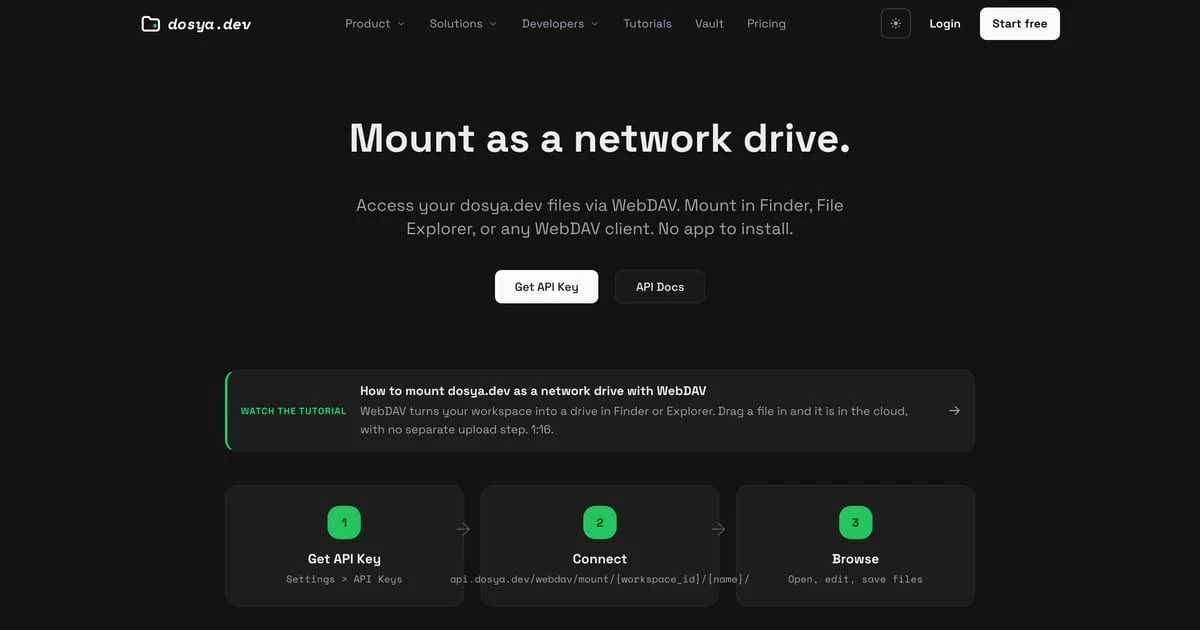
The preferred Dosya WebDAV address is https://api.dosya.dev/webdav/mount/{workspace_id}/{label}/. The ws_… ID chooses the workspace; the final label is cosmetic text used by Finder and Explorer to name the volume. Renaming the workspace or editing that label does not redirect the mount to another workspace.

Legacy URLs can use a workspace ID, exact name, or slug as the first token. Exact names become ambiguous when two accessible workspaces share a name; Dosya answers 409 and lists labelled ID-based alternatives. Copying the URL from the active workspace avoids that collision.
Steps
- In the web app, switch to the workspace you want and open Integrations → WebDAV. Copy the complete Endpoint & credentials URL, including
https://,/webdav/mount/, thews_…ID, label, and trailing slash. - Compare the
ws_…segment with the workspace you intended. The label may be stale or customized; do not use it as the security boundary or replace the ID with a display name. - Finish pending writes, disconnect the old mount, and edit or recreate its connection profile with the copied URL. Keep the key-owner email and API key separate from the endpoint.
- Confirm the API key includes WebDAV and is either unpinned or pinned to this same workspace. A mismatched pin returns This API key is pinned to a different workspace.
- Reconnect and inspect the root. An unanchored mount shows All, Documents, Videos, Images, Shared, and Deleted; a folder-anchored key opens directly at that folder and has no smart-view namespace.
- For an unanchored mount, open All; for a folder-anchored mount, use the root that opens directly at the permitted folder. Locate a known item and compare it with Dosya Files in the same workspace. Remove the obsolete mount after the correct volume has passed this check.
Error text narrows endpoint mistakes: Workspace ID is required means the URL stopped before a valid mount token; A labelled mount needs a name segment means the label is missing; Unknown workspace means the ID/name/slug did not resolve; and Multiple of your workspaces are named… provides usable ID-based URLs. A 403 after correct resolution points to membership, key pin, anchor, role, or condition rather than URL syntax.
Changing the endpoint creates or alters a client mount only. It does not move files, rename the workspace, or modify stored data.
Expected result
The saved connection uses the labelled URL for the intended ws_… ID, opens the matching workspace or anchored folder, and shows a known item from that location. Any old wrong-root mount is disconnected without changing cloud content.
Related guides
Was this helpful?
Loading helpfulness results…
Voting saves a necessary ballot cookie for up to 180 days so you can change your answer.
Questions and replies
Ask about the steps in this guide. Questions are reviewed before publication.
Keep account details, credentials and private files out of public questions. Use private support for those.
Loading questions…
Sign in to your Dosya account to ask a question.