Select and verify a Dosya CLI workspace
List workspace IDs, set or override the CLI default, understand path precedence, and verify the destination before upload, move, or delete commands.
Last reviewed
Most CLI paths are relative to a workspace. Set a default for routine commands, pass --workspace for a one-off override, or prefix a path with ws_ID: when the reference must identify its own workspace. Verify the resulting context before any upload, move, copy, or delete.
Steps
Authenticate first, then list every workspace visible to the credential:
dosya workspace listThe table shows ID, NAME, and STORAGE. Use the value beginning with ws_; display names are not accepted as workspace identifiers. For scripts, dosya workspace list --json returns the server response with a workspaces array.
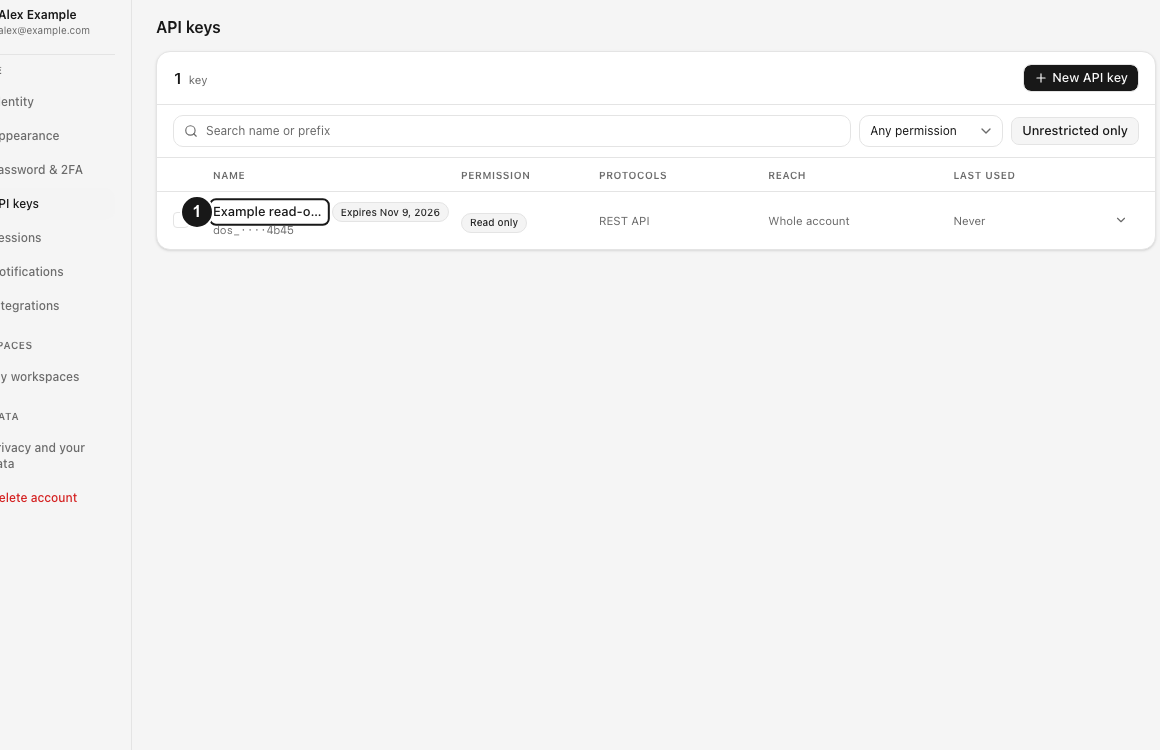
A workspace-pinned API key can expose only its pinned workspace. An account-wide key still sees only workspaces where its owner remains a member. If the expected row is absent, check the API key’s Reach, current membership, and endpoint before setting any default.

Set and inspect the default
Store the chosen ID:
dosya workspace use ws_REPLACE_ME
dosya config get default_workspace
dosya ls
workspace use writes default_workspace to the CLI config and prints Default workspace set to …. It does not contact the API or validate that the ID exists. The following dosya ls is the decisive check: compare a known root folder or file with the same workspace in the web app.
Use dosya config path to locate the active config file. It is normally ~/.dosya/config.json or $XDG_CONFIG_HOME/dosya/config.json. Logging in again merges authentication values into this file and preserves the default workspace.
Override the default deliberately
For path-aware commands, workspace precedence is:
- An explicit
ws_ID:path/to/itemprefix on the reference. --workspace ws_IDor-w ws_IDon the command.- The saved
default_workspace.
Examples:
# Uses the saved default.
dosya info reports/q3.pdf

# Overrides the default for this command.
dosya info reports/q3.pdf --workspace ws_OTHER

# The prefix belongs to the reference and wins over --workspace.
dosya info ws_EXPLICIT:reports/q3.pdf --workspace ws_OTHER
Raw file IDs such as file_… are globally addressable and do not require a workspace for lookup. Raw folder IDs and names used by commands that need a workspace can still require context. When a path has none, the resolver reports No workspace for "PATH". Use ws_id:path, --workspace <id>, or set a default workspace.
dosya ls has its own positional form: dosya ls ws_ID chooses its first argument before --workspace and the saved default. Prefer one context mechanism per command so a reviewer does not need to reason about competing values.
Check before a write or delete
Run a harmless read with the same context you plan to use:
TARGET_WORKSPACE='ws_REPLACE_ME'
dosya ls --workspace "$TARGET_WORKSPACE" --json > workspace-check.json
Inspect workspace_id, known folder names, and the returned file IDs. Then pass the same --workspace value to the write:
dosya upload ./sample.txt --workspace "$TARGET_WORKSPACE" --folder fld_REPLACE_MEFor automation, an explicit --workspace or ws_ID: prefix is easier to audit than inheriting a mutable machine default. A changed default affects future path-based commands but does not move existing files or alter the web app’s active workspace.
Troubleshoot unexpected context
Workspace ID required. Supply dosya ls ws_ID, add --workspace ws_ID, or set default_workspace.
A path resolves in the wrong workspace. Check for a ws_ID: prefix first, then command flags, then dosya config get default_workspace.
The default was accepted but listing fails. workspace use stores text locally without validating it. Copy the current ID from dosya workspace list and set it again.
The workspace is listed but an operation returns 403. Selection succeeded; compare the key permission, protocol access, workspace role, folder confinement, locks, and source conditions for the attempted operation.
Two workspaces contain the same file path. Use ws_ID:path or a raw file ID in repeatable scripts. Folder and file names alone are not account-wide identifiers.
Expected result
The harmless listing and the web app identify the same workspace and known content. Subsequent commands either carry the intended workspace explicitly or inherit a verified default, with no ambiguous display-name lookup.
Related guides
Was this helpful?
Loading helpfulness results…
Voting saves a necessary ballot cookie for up to 180 days so you can change your answer.
Questions and replies
Ask about the steps in this guide. Questions are reviewed before publication.
Keep account details, credentials and private files out of public questions. Use private support for those.
Loading questions…
Sign in to your Dosya account to ask a question.