Redeem a storage license or coupon
Enter a Gumroad license or Dosya coupon, sign in to a verified account, review the package, and confirm the added storage.
Last reviewed
The redemption flow swaps the raw code for a one-time claim, then asks a signed-in verified Dosya account to review and accept the storage package.
Before you start
- Copy the code from the trusted receipt, Gumroad library or promotion.
- Choose the Dosya account that should permanently receive the package.
- Verify that account email before activation.
- Keep the code private and use the official Redeem page.
Steps: redeem the package
- Open Redeem and choose Gumroad license or Coupon code.
- Enter the complete code and continue.
- Sign in if requested; the held claim returns you to the package review.
- Verify the package name, storage contribution, interval or end date, and account email.
- Select Accept package.
- Confirm the success message and new total storage, then open Billing to verify the package ledger row.
Expected result
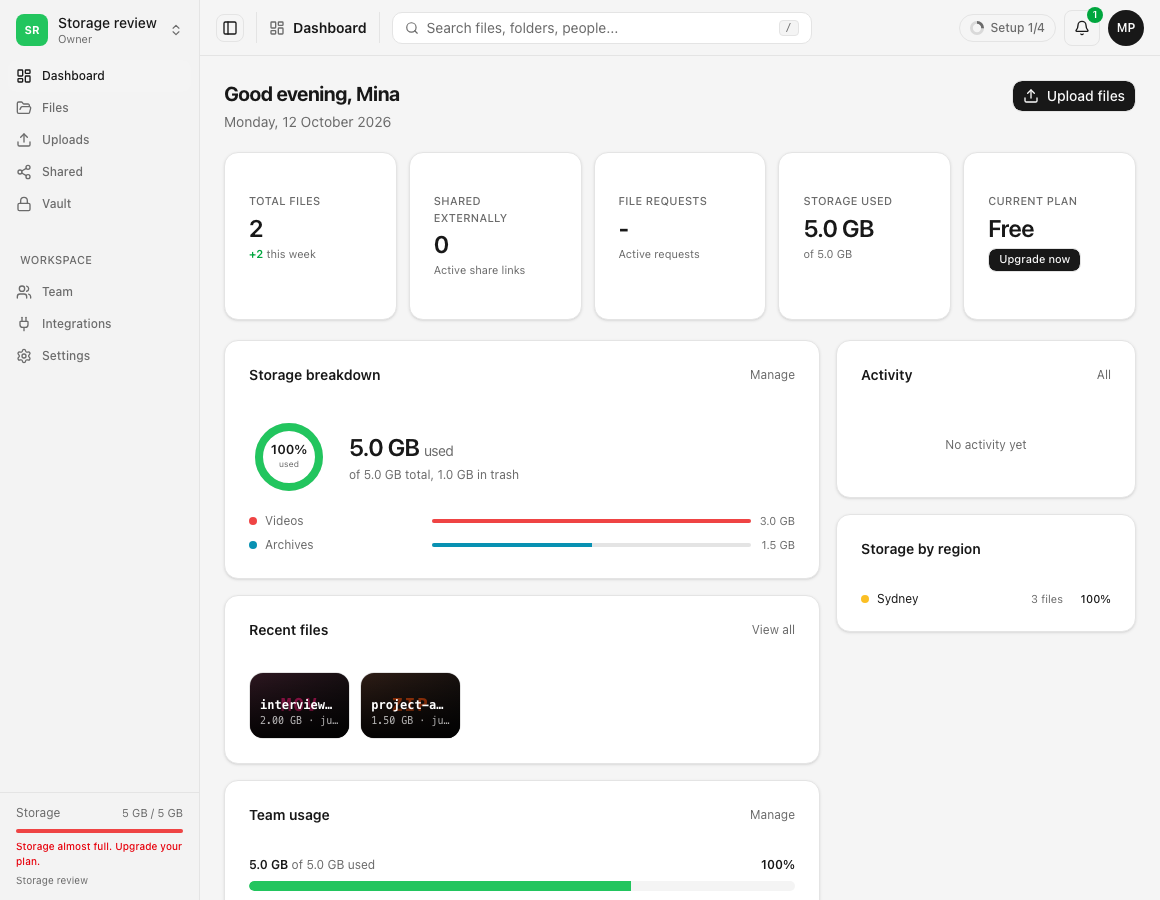
The package is attached to the verified account and contributes its stated bytes to total storage.
Limits and important details
- A Gumroad license can belong to only one Dosya account.
- Voucher codes can be invalid, used or expired.
- A package can depend on an active membership or a stated end date.
- Redemption does not change workspace hard limits.
Troubleshooting
The account requires verification. Verify its email, then return to the held claim in the same tab.
The code is already linked. Sign in to the owning account or contact private support with purchase proof.
A retryable error appears. Use Retry; the one-time claim remains held in that tab.
Related guides
Was this helpful?
Loading helpfulness results…
Voting saves a necessary ballot cookie for up to 180 days so you can change your answer.
Questions and replies
Ask about the steps in this guide. Questions are reviewed before publication.
Keep account details, credentials and private files out of public questions. Use private support for those.
Loading questions…
Sign in to your Dosya account to ask a question.