Manage redeemed storage packages
Review active redeemed packages, their contribution and timeline, and understand how membership or expiry changes the account total.
Last reviewed
Redeemed packages stack with plan, add-on and referral storage. Billing lists active packages separately so you can see their contribution and whether they depend on a provider membership or end date.
Before you start
- Open Billing in the account that redeemed the code.
- Keep the receipt and provider account available.
- Compare total used storage with capacity after any package ends.
- Do not redeem the same code into another account.
Steps: review a redeemed package
- Open Billing and find Redeemed packages.
- Match the package name and provider with the receipt.
- Read its contribution and current status.
- Review the displayed membership interval or end date.
- Open Manage on Gumroad when provider membership changes are required.
- Plan cleanup or replacement capacity before a time-limited contribution ends.
Expected result
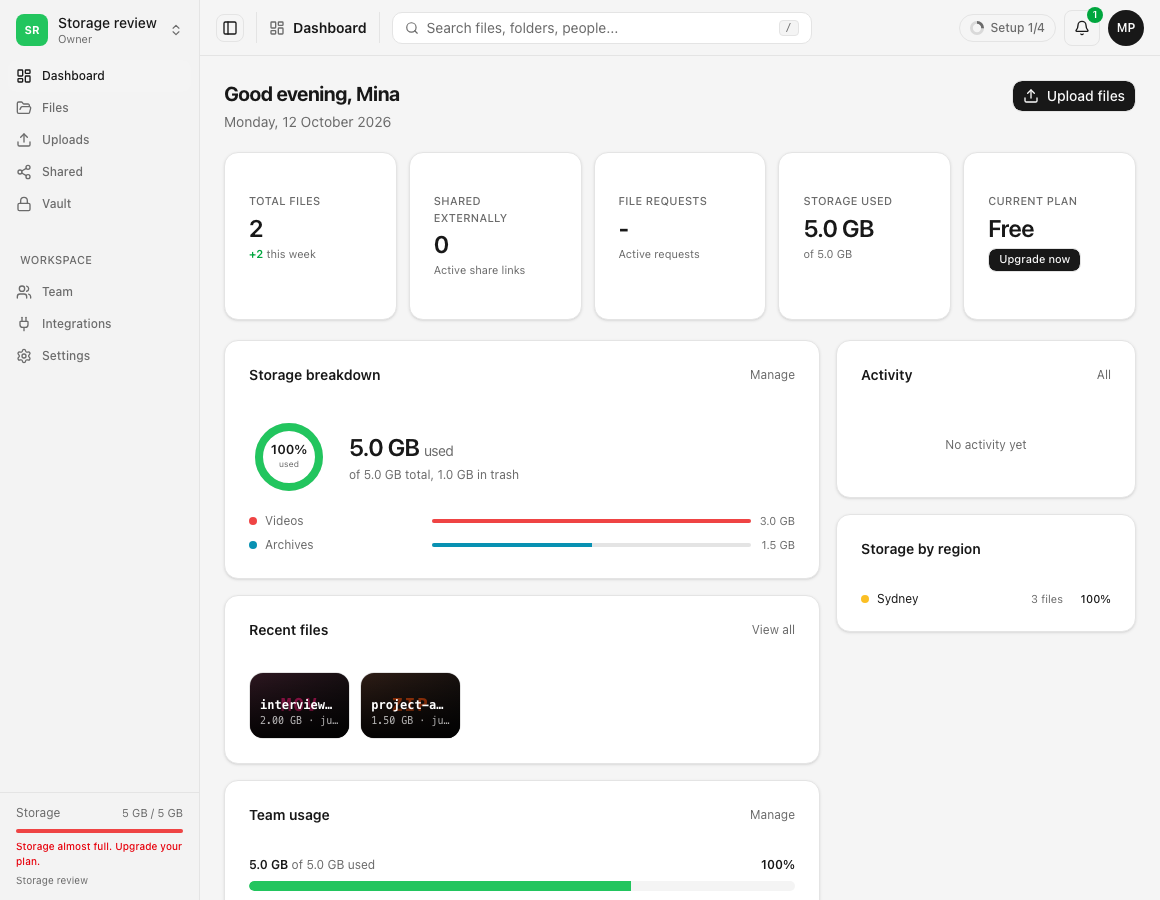
Billing shows the active package and includes its contribution in the total storage limit.
Limits and important details
- Provider membership controls can live outside Dosya.
- Ending a package contribution can leave the account over its new limit.
- Package storage adds together but does not merge purchase histories.
- Files are governed by the resulting allowance and current Billing message.
Troubleshooting
A package is missing. Confirm the signed-in account and original redemption success.
The contribution ended unexpectedly. Check the provider membership or displayed end date.
Storage is now over limit. Free space or add sufficient capacity before starting new uploads.
Related guides
Was this helpful?
Loading helpfulness results…
Voting saves a necessary ballot cookie for up to 180 days so you can change your answer.
Questions and replies
Ask about the steps in this guide. Questions are reviewed before publication.
Keep account details, credentials and private files out of public questions. Use private support for those.
Loading questions…
Sign in to your Dosya account to ask a question.