Sign in on mobile with Google, Apple or GitHub
Sign in on mobile with Google, GitHub, or Apple, complete provider and two-factor checks, and recover safely from cancelled or rejected callbacks.
Last reviewed
Dosya mobile offers Continue with Google, Continue with GitHub, and Sign in with Apple on both login and signup. iOS uses Apple’s native sheet; Android uses a protected browser flow.

Steps
- On Welcome back, check the optional Last used marker, then select the provider connected to the intended Dosya account.
- For Google, GitHub, or Apple on Android, complete the provider page in the system authentication session. For Apple on iOS, approve the native Apple sheet.
- Return through the
dosya://auth/callbacklink. The app compares the callback nonce with the pending flow and exchanges the one-time code using PKCE. - If Dosya asks for two-factor authentication, enter the authenticator/email code or choose the recovery-code path. OAuth does not bypass an account’s 2FA requirement.
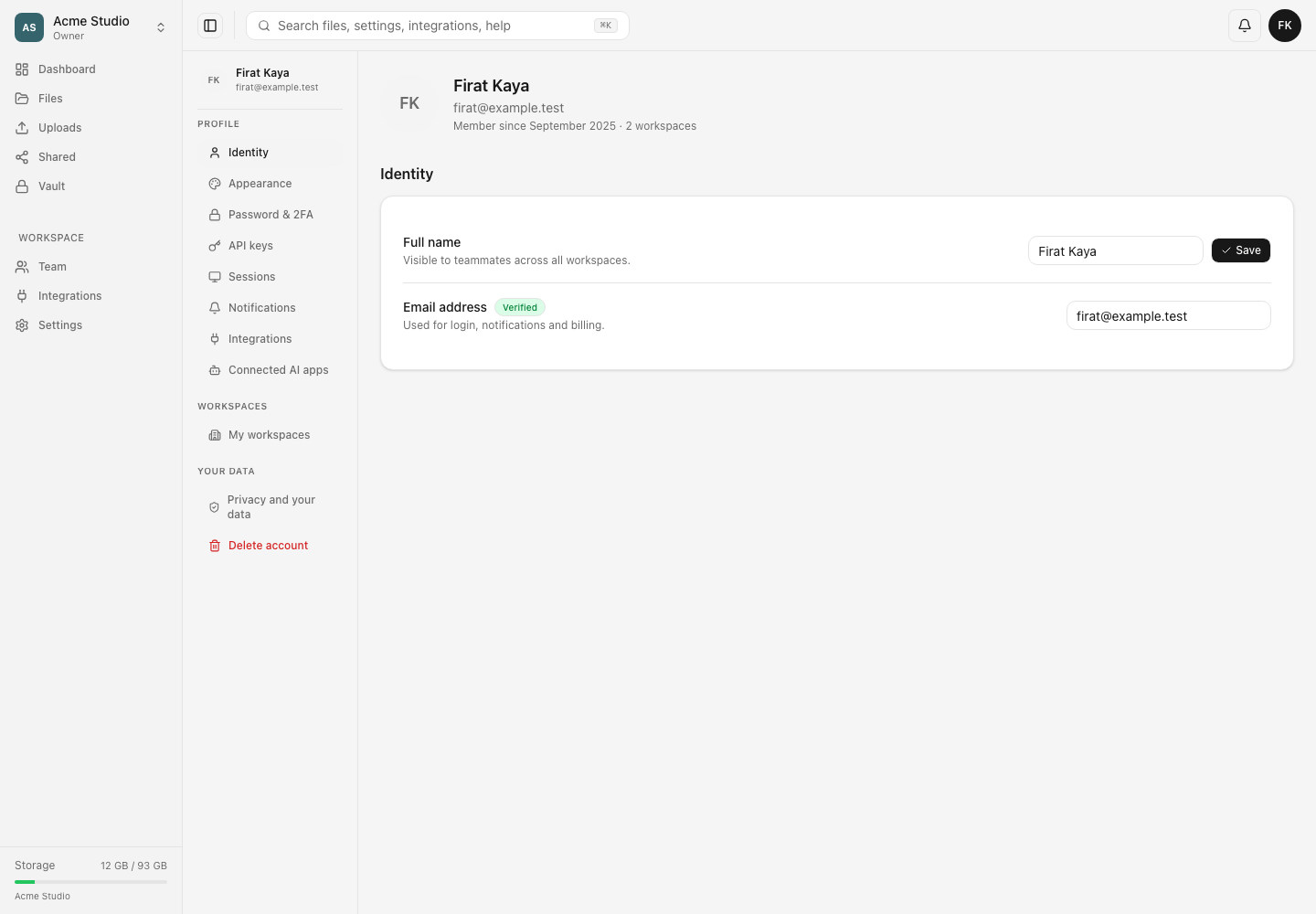
- After the Files screen opens, check the email on the Settings account card and review My workspaces.
Closing the browser or cancelling Apple’s native sheet returns without an error and creates no session. Apple may provide a name only on the first authorization. Provider credentials and the PKCE verifier are not shown in the app UI.
A successful sign-in stores a mobile access/refresh token pair in secure storage. Refresh sessions can last up to the server policy’s lifetime; an explicit sign-out revokes this device best-effort. If another account replaces the saved identity, Dosya clears cached responses immediately and purges account-scoped local data.
Expected result
The provider returns to Dosya, any required 2FA completes, and the Settings card shows the intended account. No workspace file changes occur merely from authentication.
Troubleshooting
The browser cannot open. The app shows Could not open the sign-in page. Check the default browser, connectivity, and content restrictions, then try again.
The callback was interrupted. Retry after Sign-in was interrupted. Please try again. A provider code is single-use and duplicate delivery from Android’s browser and deep link is ignored after one accepted exchange.
The app rejects the link. That sign-in link didn’t come from this app. Please try signing in again. means the saved nonce is absent or different. Start a new provider flow from Dosya instead of reopening an old callback URL.
Apple cannot complete. A missing token produces Apple sign in failed. Please try again.; native availability failures say Apple sign in is unavailable on this device.
Related guides
Was this helpful?
Loading helpfulness results…
Voting saves a necessary ballot cookie for up to 180 days so you can change your answer.
Questions and replies
Ask about the steps in this guide. Questions are reviewed before publication.
Keep account details, credentials and private files out of public questions. Use private support for those.
Loading questions…
Sign in to your Dosya account to ask a question.