Choose a plan for your storage needs
Measure current usage, compare the live Dosya plan choices, and keep enough storage headroom for uploads, versions and team growth.
Last reviewed
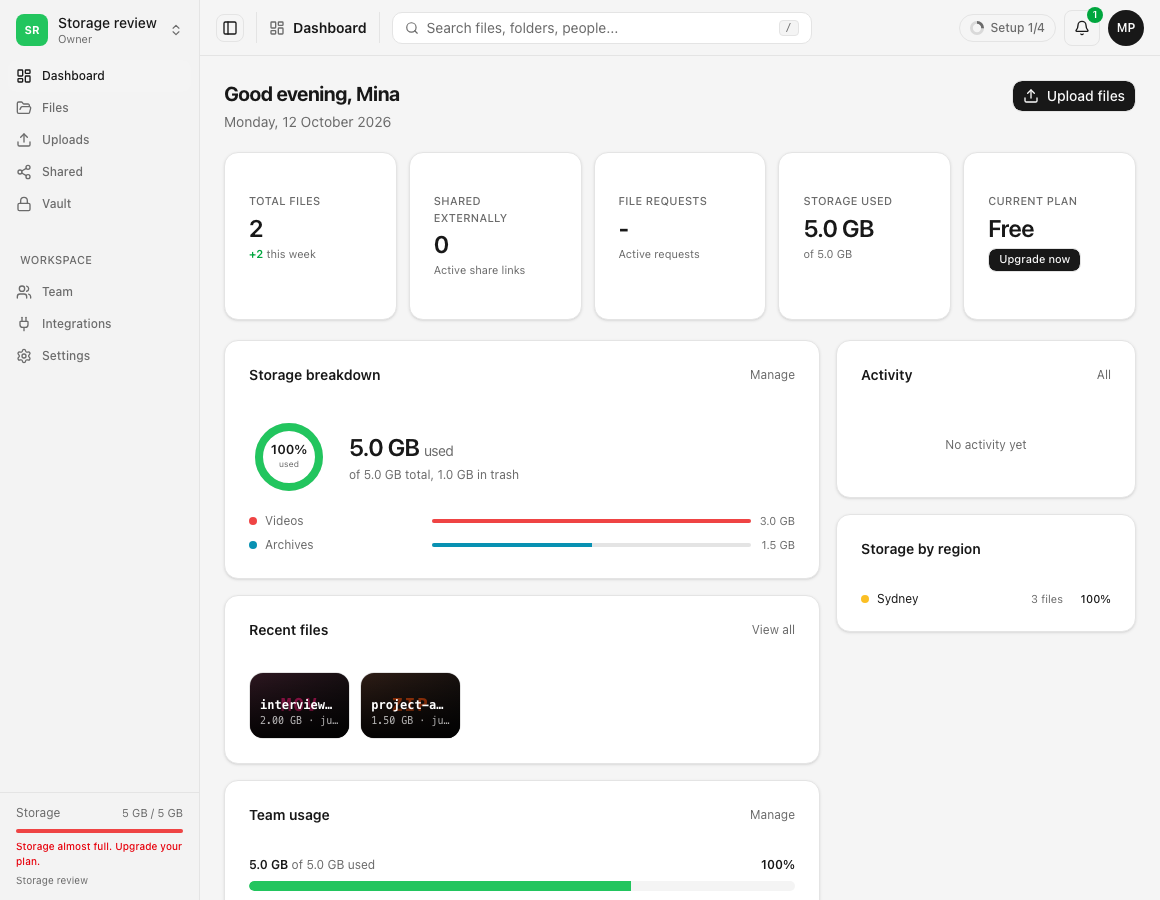
Choose a plan from the live Billing page after measuring what you store today and the headroom needed for uploads, versions and other workspace members.
Before you start
- Open Billing and Storage usage in the account that will pay.
- Include retained versions, deleted items that still count, and expected growth.
- Confirm the billing interval, displayed currency and renewal terms in the live chooser.
- Avoid relying on prices or allowances copied from an older screenshot.
Steps: choose a plan
- Open Billing and read used and limit.
- Review the storage ledger: plan, add-ons, redeemed packages and referral bonus can contribute separately.
- Select Choose a plan or Change plan.
- Compare current storage, features, interval and checkout total.
- Choose capacity above current usage, review the confirmation, and complete checkout only when the terms match.
- Return to Billing and verify the new plan and total limit.
Expected result
Billing shows the selected plan, interval, storage limit and subscription state. Workspace uploads use the resulting account allowance together with any tighter workspace limits.
Limits and billing considerations
- Current prices, discounts, taxes, currencies and entitlements come from the live checkout.
- Workspace hard limits can remain lower than the account plan.
- Added storage does not remove file-type, role or sharing policies.
- Plan changes and separate storage add-ons are different actions.
Troubleshooting
The chooser shows less storage than expected. Compare the plan amount with add-ons, packages and referral entries in the ledger.
A workspace still rejects uploads. Check its own cap and your role after confirming account allowance.
Checkout terms look wrong. Leave checkout, reload Billing and select the intended interval and plan again.
Related guides
Was this helpful?
Loading helpfulness results…
Voting saves a necessary ballot cookie for up to 180 days so you can change your answer.
Questions and replies
Ask about the steps in this guide. Questions are reviewed before publication.
Keep account details, credentials and private files out of public questions. Use private support for those.
Loading questions…
Sign in to your Dosya account to ask a question.