Troubleshoot S3 endpoint and path-style errors
Keep the workspace ID in the request path under the /s3 endpoint, correct virtual-host defaults, and retest with an allowed S3 credential safely.
Last reviewed
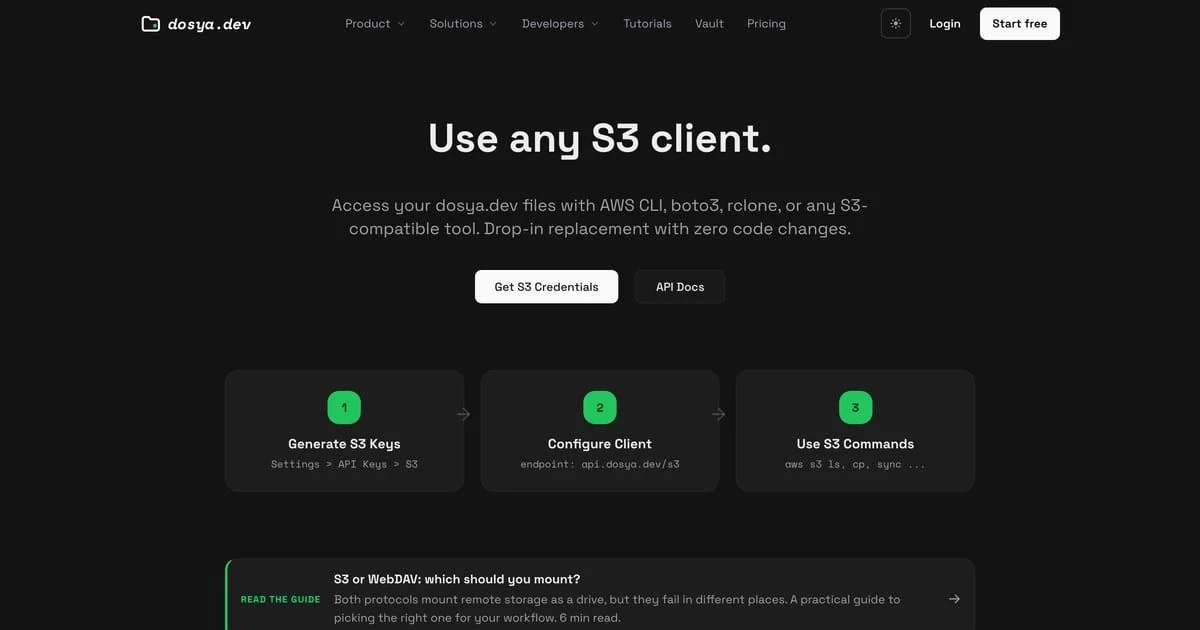
Dosya is mounted at https://api.dosya.dev/s3, so clients must keep the workspace bucket in the URL path. Virtual-host style changes the host and omits the bucket segment expected by the gateway route.

Before you start
Keep the S3 secret out of screenshots and logs. Confirm the parent API key includes the S3 surface and is not expired before changing network settings.
For rclone’s S3 backend, the released working shape uses provider = Other, endpoint = https://api.dosya.dev/s3, force_path_style = true, and region = us-east-1. The tested large-upload cutoff is 64Mi.
Steps
- Inspect the failed request URL and verify it should be
/s3/{workspace-id}/{object-key}on hostapi.dosya.dev. - Replace any AWS default endpoint or bare
https://api.dosya.devvalue withhttps://api.dosya.dev/s3. - Turn on the client’s path-style option, named
forcePathStyle,s3ForcePathStyle, orforce_path_styledepending on the tool. - Set the region to
us-east-1and the bucket to the literal Dosya workspace ID. - Retry a
HEADbucket or shallow list; if rclone alone returns SignatureDoesNotMatch, setsign_accept_encoding = falseso an upstream header rewrite is not signed. - Confirm the successful request reaches the intended bucket, then run one scoped object operation and inspect its exact key.
Expected result
The client sends and signs the gateway’s real path, Dosya parses the workspace as the bucket, and the request reaches S3 routing instead of an unrelated API route or virtual host.
If authentication still fails, distinguish InvalidAccessKeyId from SignatureDoesNotMatch. The first requires a current access ID; the second requires checking secret, base path, signed headers, clock, and client canonicalization.
Related guides
Was this helpful?
Loading helpfulness results…
Voting saves a necessary ballot cookie for up to 180 days so you can change your answer.
Questions and replies
Ask about the steps in this guide. Questions are reviewed before publication.
Keep account details, credentials and private files out of public questions. Use private support for those.
Loading questions…
Sign in to your Dosya account to ask a question.