Download an object with an S3 client
Download one Dosya object through the S3 gateway with AWS CLI, using the documented endpoint, region, workspace bucket, and read permissions.
Last reviewed
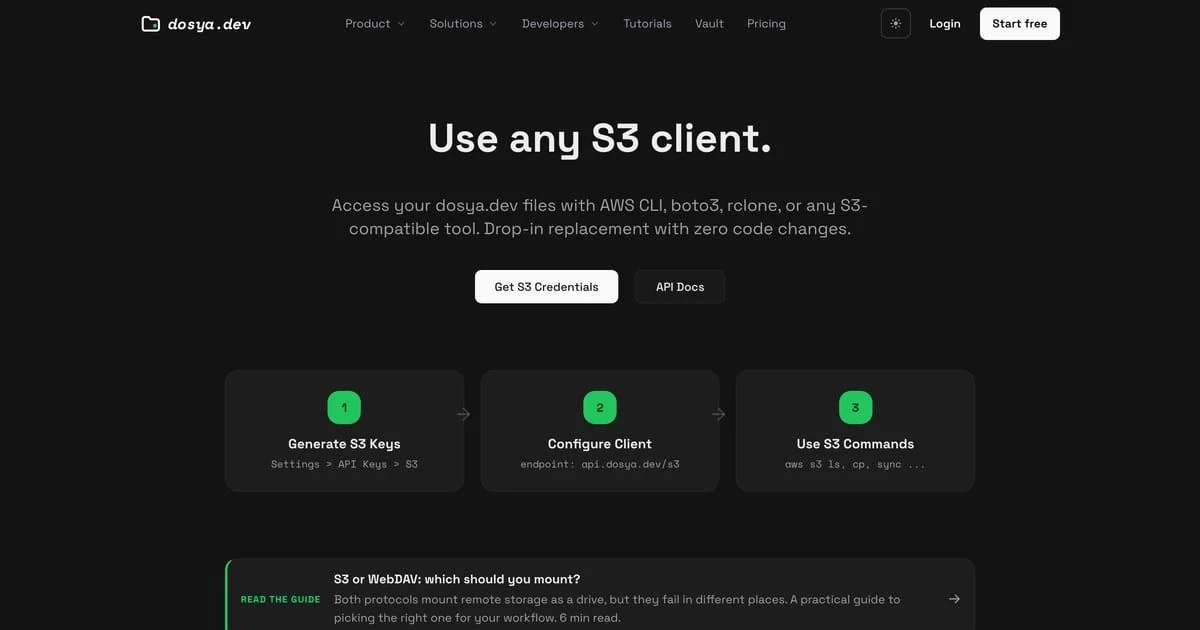
Dosya exposes each workspace through an S3-compatible bucket. The endpoint is https://api.dosya.dev/s3, the signing region is us-east-1, and the bucket name is the workspace ID shown on Integrations → S3.

Prepare credentials and permissions
Your workspace role must allow the S3 gateway, file access, and downloads. If S3 itself is denied, the setup page says Your role can’t use the S3 gateway. An owner or admin must change that role.
In Profile → API keys, create a Read only key and restrict its protocols to S3 gateway when the credential is solely for downloads. Attach S3 credentials to that API key. Dosya displays the secret access key once, so copy it into a secure credential store at creation time.
A workspace pin can limit the credential to the expected bucket. A folder anchor is also supported: that folder becomes / for the S3 view, so object keys are relative to the anchor and paths above or beside it are unreachable.
Choose a new dedicated AWS CLI profile for this download. Check aws configure list-profiles first; if dosya-download-test already exists, use another unused name consistently in every command below.
Enter the displayed S3 access ID and secret interactively:
aws configure --profile dosya-download-testAt the prompts, enter the S3 access ID, its secret, us-east-1 and json. Do not put the secret in a command argument or use a recorded terminal session: the prompt avoids shell command history but is not a promise that typed credentials are masked. AWS CLI saves credentials in ~/.aws/credentials and settings in ~/.aws/config by default. These are local files, not an encrypted password vault; keep them private and out of shared transcripts or repositories.
Set path-style addressing only for this profile:
aws configure set s3.addressing_style path --profile dosya-download-testKeep --profile dosya-download-test on every remote command so this walkthrough does not use or change the default profile.
Steps
-
Copy the workspace ID from Integrations → S3 and identify the exact object key by listing a narrow prefix:
aws --profile dosya-download-test --endpoint-url https://api.dosya.dev/s3 --region us-east-1 \ s3api list-objects-v2 --bucket WORKSPACE_ID --prefix 'path/to/' -
Inspect the S3 object’s
ContentLengthwithout downloading content:aws --profile dosya-download-test --endpoint-url https://api.dosya.dev/s3 --region us-east-1 \ s3api head-object --bucket WORKSPACE_ID --key 'path/to/object.bin' -
Choose a new local filename or back up the current path.
aws s3 cpcan replace the local destination named in the command. -
Download the object:
aws --profile dosya-download-test --endpoint-url https://api.dosya.dev/s3 --region us-east-1 \ s3 cp 's3://WORKSPACE_ID/path/to/object.bin' './object.bin' -
Compare the local byte count with
ContentLengthfromhead-object. If the original source has a separately trusted checksum, calculate the same algorithm locally and compare it; do not assume every S3 ETag is a portable content hash.
Troubleshooting
AccessDenied: API key scope 'upload' cannot download filesmeans the key is upload-only; issue a read-only or full-access key instead.AccessDenied: Access deniedmeans the role lacks general file access.AccessDenied: Download not allowedidentifies the separate download permission.NoSuchBucketusually means the workspace ID is wrong, the key is pinned elsewhere, or the user no longer belongs to that workspace.NoSuchKeymeans the relative path does not resolve to a visible live file. Hidden content also resolves as absent, and a folder-anchored key must omit every path segment above its anchor.AccessDenied: Object is lockedmeans the file or one of its ancestors has a full lock. Personal unlock state in the web app does not turn an S3 request into an allowed download.SignatureDoesNotMatchrequires checking the access-key pair, endpoint, andus-east-1signing region. Regenerating only the secret is not possible because it is shown once; attach a new S3 credential pair when lost.- An unsatisfiable byte range returns HTTP
416withContent-Range: bytes */SIZE; retry without a stale range after checking the current object size.
The download is read-only for Dosya: it does not remove, move, or alter the cloud object. Replacing an existing local output path is a local effect and cannot be recovered from Dosya unless another local copy exists.
Expected result
AWS CLI exits successfully, the local file size equals the S3 ContentLength, and an independently known checksum matches when available. The source object remains in the same Dosya workspace path with no cloud-side mutation.
Related guides
Was this helpful?
Loading helpfulness results…
Voting saves a necessary ballot cookie for up to 180 days so you can change your answer.
Questions and replies
Ask about the steps in this guide. Questions are reviewed before publication.
Keep account details, credentials and private files out of public questions. Use private support for those.
Loading questions…
Sign in to your Dosya account to ask a question.